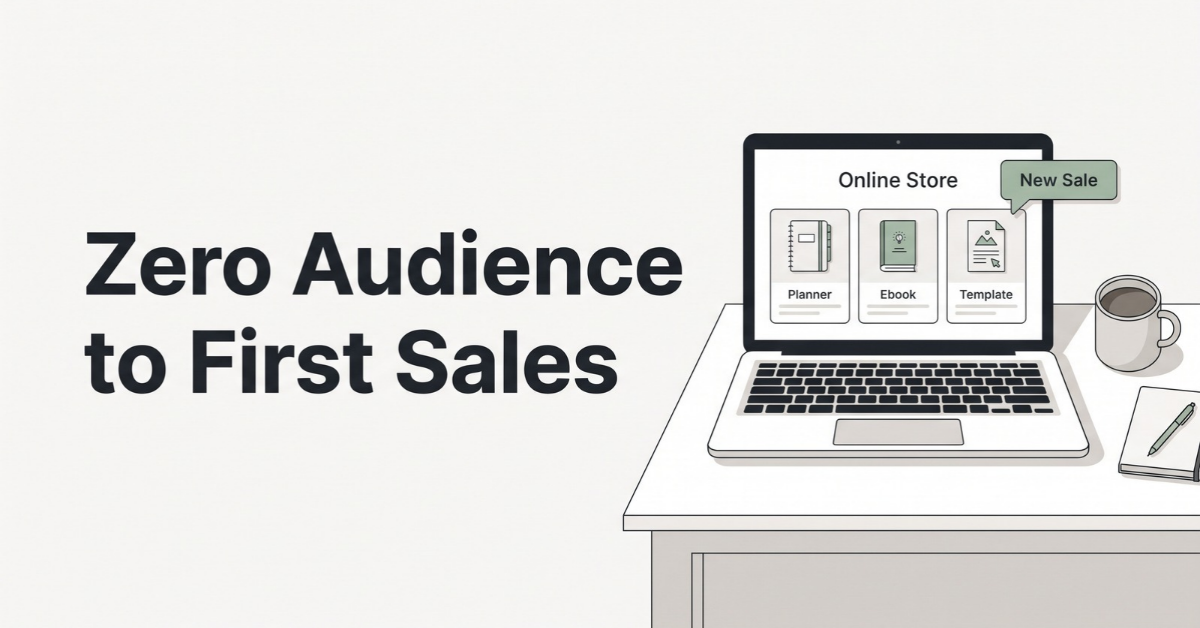
Selling digital products online with zero audience sounds like a contradiction, because most of the advice out there starts with “first, build a following.” I bought into that idea for a long time. Living in San Jose, I’m surrounded by people who build products for a living, and I’ve watched plenty of friends, readers, and small sellers launch printables, templates, and mini-courses. The pattern I kept seeing surprised me: the ones who made their first sales fastest were rarely the ones with the biggest Instagram accounts.
They were the ones who understood where buyers were already searching.
This guide is built from those observations, plus the platform rules and fee structures that are actually in place as of October 2026. It is not a “make $10K in your first month” story. It’s the honest, step-by-step version: what tends to work when nobody knows your name yet, what quietly fails, and how to plan your first 90 days.
What you’ll learn in this guide
- Why search-based traffic beats followers when you’re starting from zero
- A simple three-question filter for choosing your first product
- Platform fees compared side by side (as of October 2026)
- How to build a sellable product in a single weekend
- Where your first 10 sales realistically come from
- Pricing ladders, email lists, and a 90-day roadmap
What Selling Digital Products Online Really Looks Like With Zero Audience
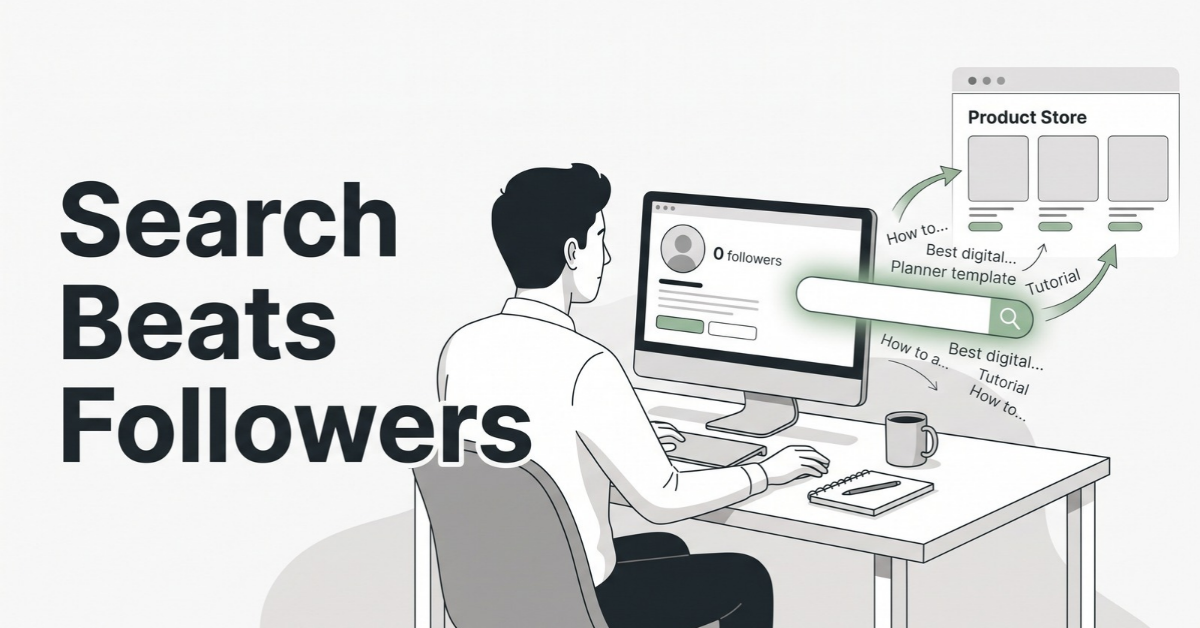
Here’s the mental shift that changes everything: an audience is just one way to get attention. It’s not the only way, and for a brand-new seller it’s usually the slowest.
Think about how you actually buy things online. When you need a budget spreadsheet or a wedding seating chart template, you don’t scroll through a creator’s feed hoping they posted one. You type what you need into a search bar. That search bar might be on Etsy, Pinterest, Google, or YouTube, but the behavior is the same: the buyer arrives with intent, looking for a solution, and they don’t care whether the seller has 12 followers or 120,000.
Followers are a distribution channel, not a requirement
An audience is a distribution channel you own. That’s valuable, and you should build one over time. But when you’re starting out, you can “rent” distribution from platforms that already have millions of buyers searching every day. The trade-off is that you pay for it, in fees, in competition, and in following someone else’s rules.
That trade-off is worth it at the beginning. Your first goal isn’t to build an empire. It’s to prove that a stranger will pay for something you made.
Search platforms vs. social platforms
It helps to sort every channel into one of two buckets:
- Search-driven: Etsy, Pinterest, Google, YouTube search, marketplace “Discover” sections. Content can be found weeks or months after you publish it. Followers matter very little.
- Feed-driven: Instagram, TikTok, X, Threads, Facebook. Content has a short life, and reach depends heavily on existing followers and engagement.
With zero audience, you want to spend about 80% of your effort on search-driven channels. Feed-driven channels can come later, once you have a product that’s proven it sells.
Step 1: Pick a Product People Already Search For
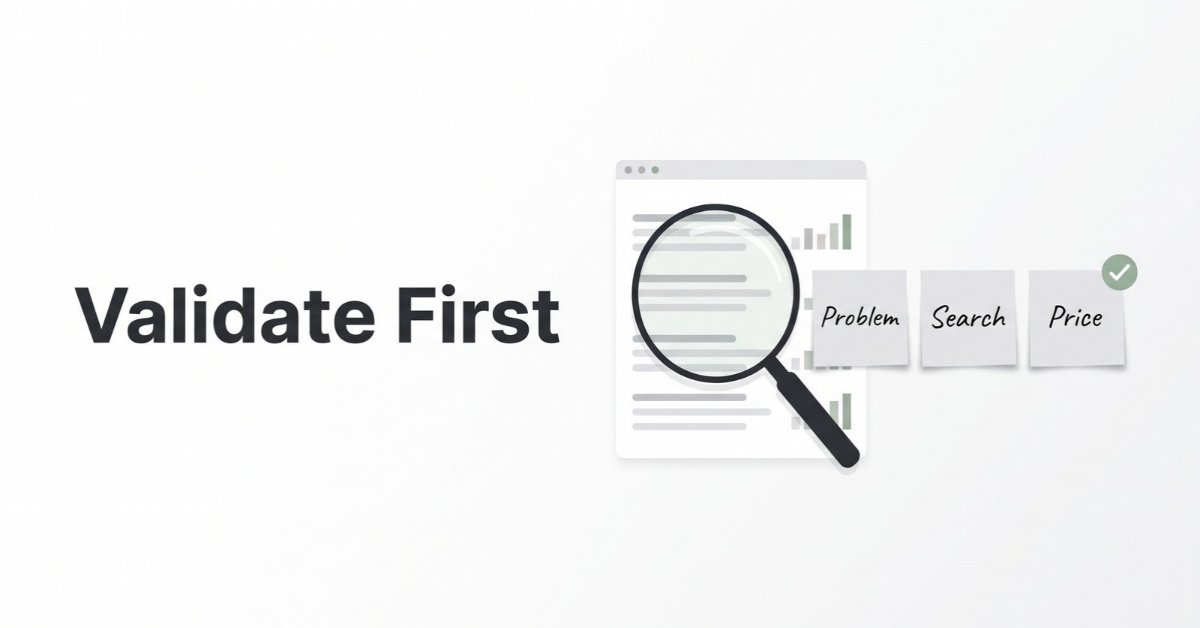
The most common mistake I see is building a product first and looking for buyers second. When you have no audience to rescue a weak idea, validation isn’t optional. It’s the whole game.
The three-question filter
Before you create anything, run your idea through these three questions:
- Problem: Does this solve a specific, nameable problem? “A planner” is vague. “A meal planner for families with picky eaters” is a problem someone can feel.
- Search: Are people already typing this into a search bar? If you can’t find evidence of search, you’ll be stuck creating demand from scratch, which is exactly what an audience is for.
- Price: Are people already paying for similar things? Competition is a good sign here. An empty market usually means no market.
Four free ways to validate in an afternoon
- Marketplace autocomplete: Start typing your idea into Etsy’s or Pinterest’s search bar and write down every suggestion. Those suggestions reflect what real people search for.
- Review mining: Open the top-selling listings in your niche and read the 3- and 4-star reviews. Complaints like “I wish it had a weekly view” are product specs handed to you for free.
- Community questions: Search Reddit and Facebook groups for phrases like “is there a template for” or “how do you organize.” Repeated questions signal unmet demand.
- Google’s “People also ask”: Search the problem, not the product. The questions that appear tell you how buyers describe their pain in their own words.
Product types that tend to work without an audience
Not every digital product is equally friendly to beginners. Products that sell well through search tend to share a few traits: the buyer can use them immediately, the value is obvious from a thumbnail, and the price feels low-risk.
- Printable planners and trackers (budget, habit, meal, fitness)
- Canva, Notion, or spreadsheet templates for a specific job
- Small business kits (invoice templates, social media calendars)
- Event printables (party signs, seating charts, invitations)
- Short, practical guides that solve one narrow problem
Products that usually struggle without an audience include long video courses, memberships, and high-ticket coaching. These sell on trust, and trust is precisely what you haven’t built yet.
Step 2: Choose a Platform That Brings Its Own Traffic
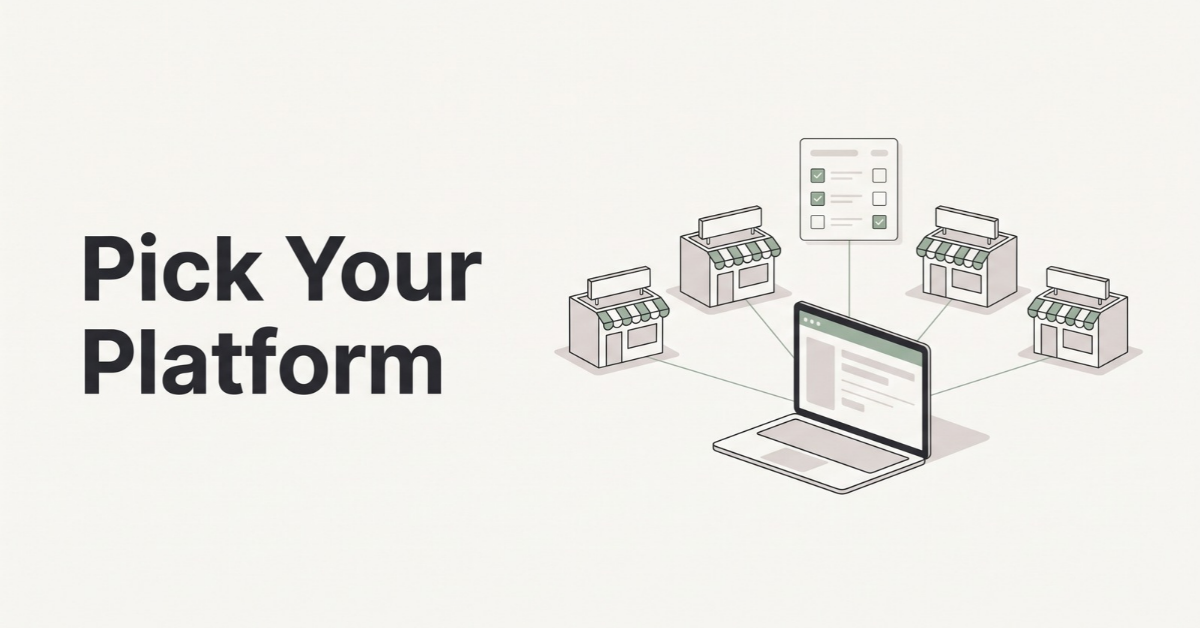
When you’re selling digital products online without an audience, platform choice matters more than almost anything else, because some platforms bring buyers to you and others simply process payments for buyers you bring yourself. Here’s how the most popular options compare.
| Platform | Monthly cost | Platform fee per sale | Built-in traffic? |
|---|---|---|---|
| Etsy | $0 (standard) | $0.20 listing + 6.5% transaction + 3% + $0.25 processing (US) | Yes, strong marketplace search |
| Gumroad | $0 | 10% + $0.50 on direct sales; 30% on Discover marketplace sales | Some, via Discover |
| Payhip | $0 / $29 / $99 | 5% / 2% / 0% plus Stripe or PayPal fees | Minimal, you bring buyers |
| Stan Store | $29 (Creator) / $99 (Creator Pro) | 0% platform fee plus processing | No, built for social followers |
| Shopify | Basic plan roughly $29–$39 (US, depends on billing) | Card processing from about 2.9% + $0.30 on Basic | No, full store you drive traffic to |
Fees as of October 2026, based on each platform’s published pricing and recent independent fee breakdowns. Processing fees vary by country and payment method, so always confirm on the platform’s own pricing page before you commit: Etsy fees, Gumroad pricing, Payhip pricing, Stan Store pricing, and Shopify pricing.
What a $15 sale actually leaves you
Percentages are abstract, so let’s run one example. Say you sell a $15 template to a US buyer:
- Etsy: $0.20 + $0.98 (6.5%) + $0.70 (3% + $0.25) ≈ $1.88 in fees, you keep about $13.12 (before any Offsite Ads fee).
- Gumroad direct sale: $2.00 (10% + $0.50), plus card processing of roughly $0.75 ≈ $2.75 in fees, you keep about $12.25.
- Gumroad Discover sale: 30% ≈ $4.50 in fees, you keep about $10.50.
- Payhip free plan: $0.75 (5%) plus roughly $0.75 in processing ≈ $1.50 in fees, you keep about $13.50, but you supply the traffic.
Notice the pattern: the cheapest platforms per sale are the ones that send you the fewest buyers. One detail worth knowing about Etsy is that its optional-then-mandatory Offsite Ads program charges 12% to 15% on sales Etsy attributes to its ads, which can noticeably change the math on an individual order.
My take: start with discovery, add a direct store later
The smartest setup I’ve seen for zero-audience sellers is a two-stage approach. Start on a marketplace with real search traffic (Etsy is the most common choice for printables and templates) and accept the higher fees as the cost of being discovered. Once a product proves it sells, add a low-fee direct store like Payhip or Gumroad and send your own traffic there, from Pinterest, your blog, and your email list.
Avoid paying a monthly subscription before you have a single sale. A $29 monthly bill feels small until you realize it’s two full sales of a $15 product just to break even.
Step 3: Build a Minimum Sellable Product in a Weekend
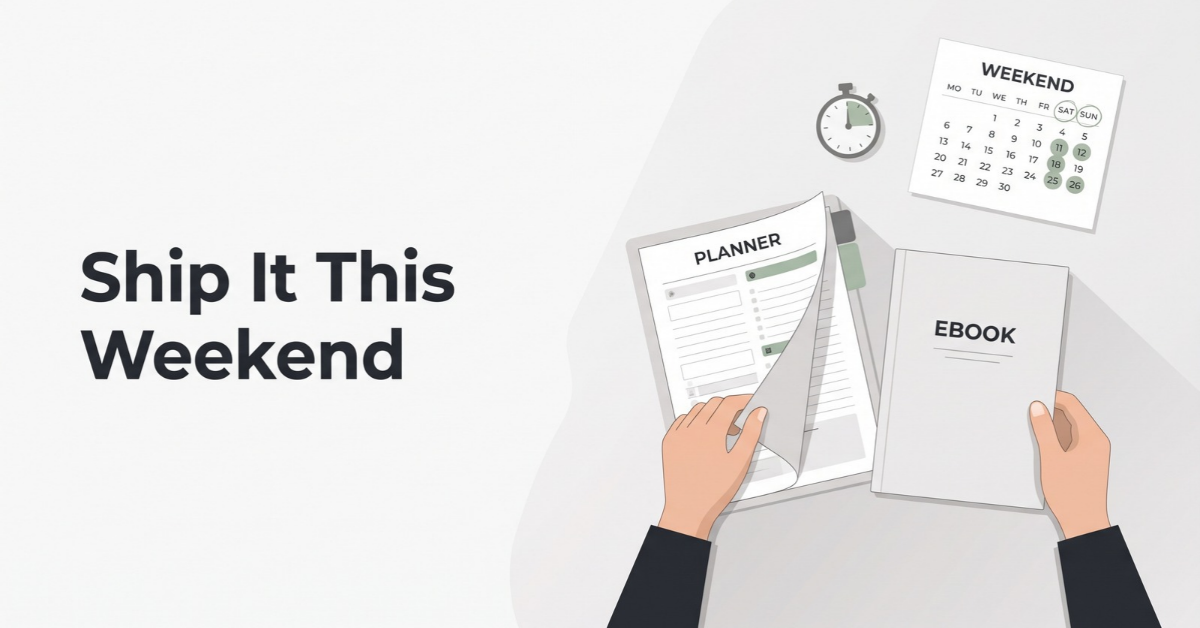
Perfectionism kills more digital product businesses than competition does. The goal of your first product isn’t to be your best work. It’s to be finished, useful, and in front of buyers so the market can give you feedback.
I call this a “minimum sellable product”: the smallest version that fully solves one problem and that you’d feel comfortable charging for.
A realistic weekend plan
| When | Task |
|---|---|
| Saturday morning | Outline the product based on your validation notes. List every page or section. |
| Saturday afternoon | Build the core pages in Canva, Google Sheets, Notion, or a doc editor. |
| Sunday morning | Test it yourself as a buyer would. Fix anything confusing. Export to PDF or share links. |
| Sunday afternoon | Create 5 listing images, write the title and description, and publish. |
“Finished, not perfect” still has a quality bar
Fast doesn’t mean sloppy. Before you publish, make sure the product clears these basics:
- It opens and prints correctly on common devices and paper sizes (US Letter and A4)
- There’s a short “how to use this” page or instructions file
- Fonts and graphics you used are licensed for commercial use
- The listing clearly states it’s a digital file and nothing will be shipped
A note on AI-assisted products
AI tools can speed up outlining, writing instructions, and drafting listing copy dramatically. Just remember that marketplaces have their own rules about AI-generated content and how it must be disclosed, and those rules change. Check each platform’s current policy before you publish, and always add your own judgment, testing, and polish. Buyers can tell when a product was generated in five minutes and never actually used.
Want a head start on your first product?
If building from a blank page feels slow, this digital product resource can help you get a ready-to-customize starting point so you can spend your weekend on validation and listing instead of formatting.
Explore the Digital Product Resource →Step 4: How to Get Your First 10 Sales Without Followers
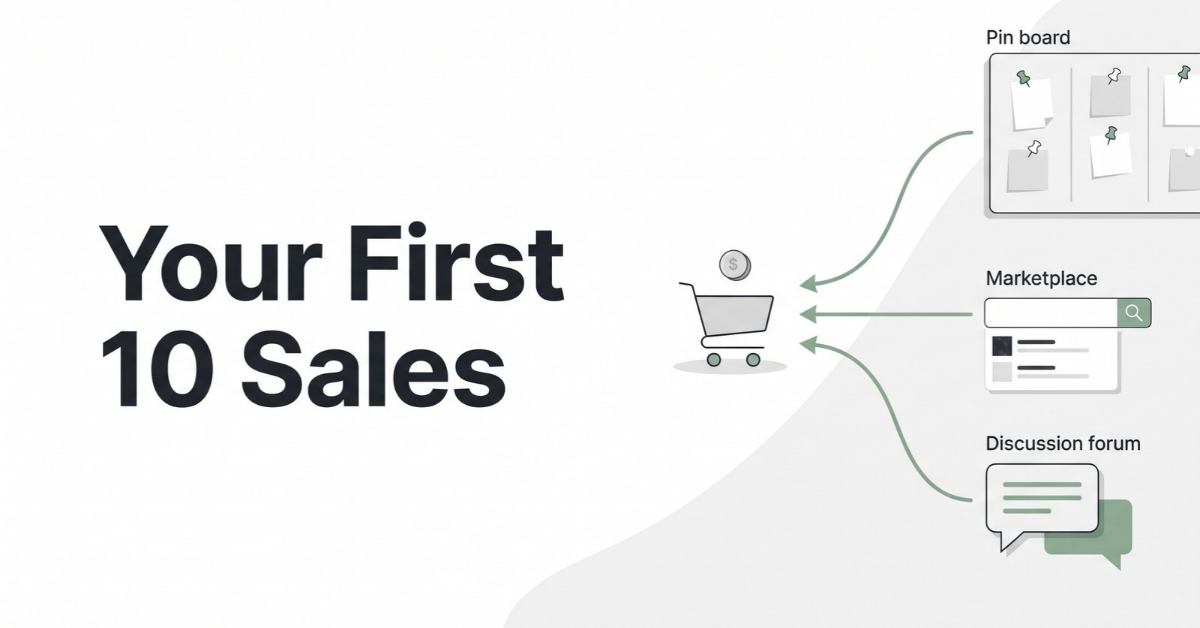
Your first 10 sales are the hardest and the most important. They prove the product works, they generate your first reviews, and reviews make every future sale easier. Here’s where those early sales realistically come from.
1. Marketplace search optimization
On a marketplace, your listing is your marketing. Three elements do most of the work:
- Title: Lead with the exact phrase buyers search, then add specifics. “Weekly Meal Planner Printable for Families, Grocery List, US Letter + A4” beats a clever brand name every time.
- Tags: Use all available tag slots with multi-word phrases taken from your autocomplete research.
- Thumbnail: In a grid of 40 results, the first image decides the click. Show the product in use, with a short text overlay naming what it is.
2. Pinterest as a search engine
Pinterest is one of the most underrated channels for zero-audience sellers because it behaves much more like a search engine than a social network. A well-made pin can surface in search results for months. Create a few vertical pins per product, each targeting a different keyword angle, and link them to your listing or a blog post about the problem your product solves.
3. Helpful answers in communities
Reddit, Facebook groups, and niche forums are full of people asking exactly the questions your product answers. The rule is simple: be genuinely helpful first. Answer the question fully in the thread. Only mention your product where community rules allow it and where it truly adds something. Spamming links gets you banned; being the most useful person in the thread gets you curious clicks.
4. Borrow someone else’s audience
You don’t have an audience, but plenty of people do. Small newsletter writers, bloggers, and niche creators are often happy to feature a useful free resource or a bundle collaboration. Offer a free sample or an exclusive discount for their readers. One mention in a trusted newsletter can outperform weeks of posting to an empty profile.
Struggling to write listings that get found?
Titles, descriptions, pin copy, and community answers all take writing time. An AI writing tool can help you draft keyword-focused variations faster, so you can test more listings and spend your energy editing rather than staring at a blank screen.
Try the AI Writing Tool →5. Add social media only after the product is proven
Once you have a product with sales and reviews, short-form video becomes much more effective, because you can show a real product that real people bought. Screen recordings of a template being filled in, or a quick “how I plan my week with this” video, tend to work far better than polished brand content.
Sponsored Resource
Learn social media marketing for small sellers
When you’re ready to grow beyond search traffic, this social media marketing resource covers practical ways to turn a proven product into steady content.
See the Social Media Marketing Resource →Step 5: Pricing, Bundles, and Building an Email List From Day One
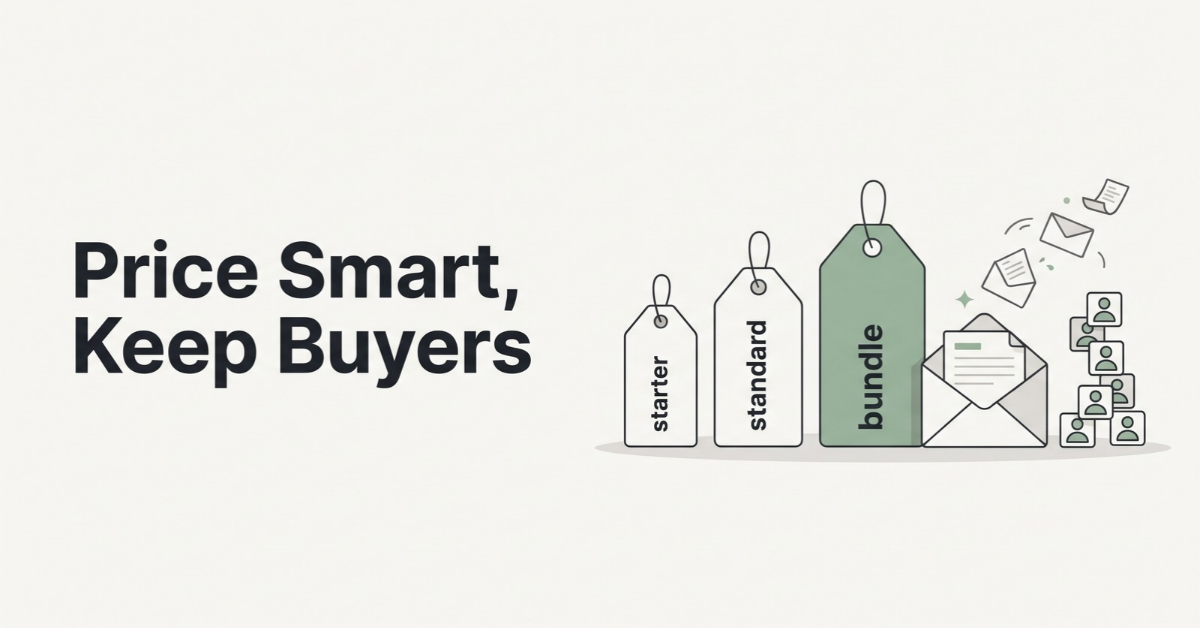
Pricing is where many beginners quietly lose money. The instinct is to price low because “nobody knows me yet.” That instinct is understandable, but it often backfires.
Fixed fees punish very cheap products
Remember those fixed per-sale fees? On Etsy, the $0.20 listing fee and the $0.25 processing charge stay the same whether you sell a $3 file or a $30 one. On a $3 product, those two fixed charges alone are about 15% of the price, before the percentage fees even start. On a $30 product, they’re about 1.5%. Very low prices also signal low value to some buyers.
Build a simple price ladder
Instead of one product at one price, think in three steps. The numbers below are an illustrative example, not a benchmark. Your niche and competitors should set your actual prices.
| Tier | Example | Illustrative price | Job it does |
|---|---|---|---|
| Entry | Single weekly planner page | $4–$7 | Low-risk first purchase, earns reviews |
| Core | Full 12-month planner | $12–$19 | Main revenue driver |
| Bundle | Planner + budget + meal kit | $29–$39 | Raises average order value |
Bundles are especially powerful because they cost you almost nothing extra to produce. You’re repackaging work you’ve already done, and buyers love feeling like they got a deal.
Start your email list before you think you need it
Marketplace buyers belong to the marketplace. Email subscribers belong to you. That’s the single biggest reason to start a list on day one, even if it grows slowly.
- Offer a genuinely useful freebie: a one-page version of your paid product works well, because it attracts exactly the people likely to buy the full version.
- Include a thank-you page in every product: a short note inside your files can invite buyers to join your list for updates and new releases, as long as it follows your platform’s rules on external links.
- Send something useful every two weeks: tips, a new template, a behind-the-scenes look. Consistency matters more than polish.
When you launch your second product, a list of even 100 interested people can give you your first sales on launch day instead of waiting for search algorithms to notice you.
Sponsored Resource
An AI app for digital product creators
If you’re juggling product creation, freebies, and email content, this AI digital app may help you move faster on the repetitive parts of the workflow.
Check Out the AI Digital App →What Didn’t Work: Patterns I’d Avoid
Watching people try this over and over, the failures are surprisingly consistent. If you avoid these, you’re already ahead of most new sellers.
- Building a “big” product first. A 200-page course with no proof of demand is months of risk. Start small, then expand what sells.
- Posting daily to an empty social account. With no followers, feed-based content rarely gets seen. That same time spent on listings and pins compounds.
- Paying for tools before the first sale. Subscriptions, premium themes, and paid ads can wait until you know what converts.
- Copying a bestseller too closely. Besides the legal and ethical problems, buyers already have the original. Find the gap in the reviews and fill it.
- Publishing one listing and waiting. Search platforms reward catalogs. Five related listings give buyers and algorithms more ways to find you than one.
- Ignoring the numbers. Check views, clicks, and conversion every week. A listing with views but no sales has a price or thumbnail problem; a listing with no views has a keyword problem.
Your 90-Day Roadmap
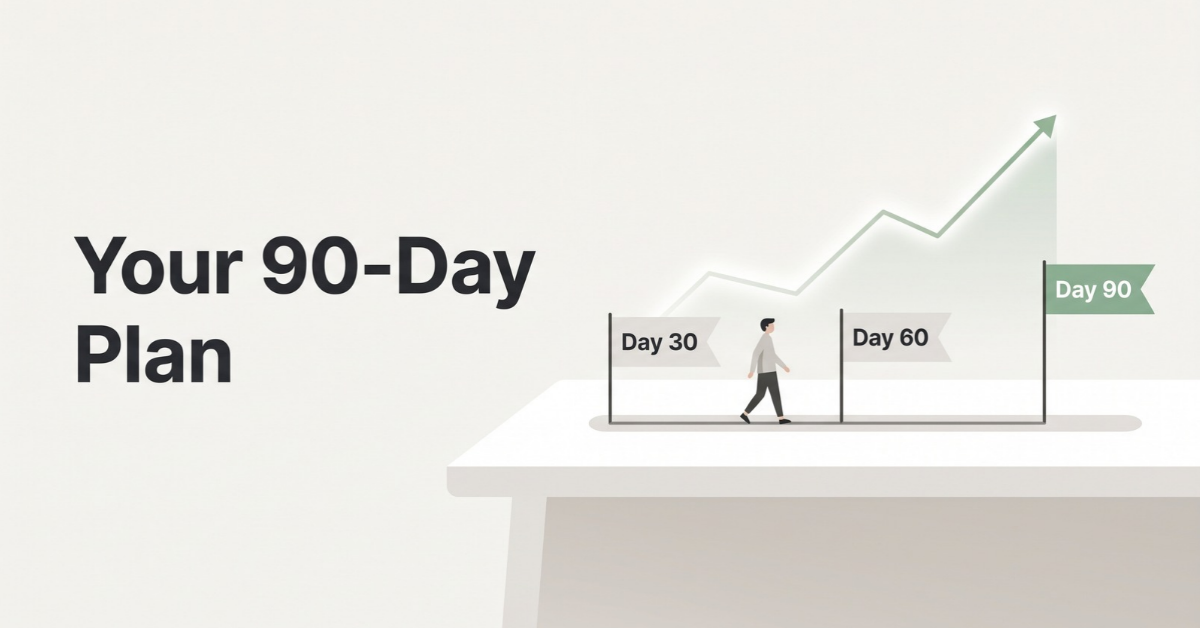
Here’s how I’d structure the first three months of selling digital products online if I were starting today with zero followers and a few hours a week.
| Phase | Focus | Milestone |
|---|---|---|
| Days 1–30 | Validate 3 ideas, build 1 product, publish 3–5 related listings on a search-driven marketplace | Listings live with optimized titles, tags, and thumbnails |
| Days 31–60 | Create Pinterest pins for each listing, answer community questions, launch a freebie and email signup | First sales and first reviews; email list started |
| Days 61–90 | Double down on whatever sold, create a bundle, test a direct store, pitch 3 newsletter collaborations | Clear winner product and a repeatable traffic source |
The key word in that table is repeatable. By day 90, you don’t need to be making a full-time income. You need to know which product sells, where its buyers come from, and how to make more of both.
Want a structured plan for the business side?
If you’d like more guidance on e-business and online marketing fundamentals as you move through your 90 days, this resource covers the broader picture beyond a single product.
Explore the E-Business Resource →Final Thoughts
The biggest myth about selling digital products online is that you need to be famous before you can sell anything. You don’t. You need a product that solves a specific problem, a listing that shows up where people are already searching, and the patience to improve based on real numbers instead of guesses.
Start small. Pick one problem. Build the minimum sellable version this weekend. Put it where buyers already search. Then let the data, not your fears, tell you what to do next.
An audience will come. But it usually shows up after the first sale, not before it.
Frequently Asked Questions
Can I really sell digital products with no followers?
Yes. Search-driven platforms like Etsy and Pinterest show your products to people actively looking for solutions, regardless of how many followers you have. A well-validated product with a strong title, relevant tags, and a clear thumbnail can get found without any social media presence.
Which platform is best for a beginner with zero audience?
A marketplace with built-in search traffic, such as Etsy, is usually the best starting point because it brings buyers to you. As of October 2026, Etsy charges a $0.20 listing fee, a 6.5% transaction fee, and US payment processing of 3% plus $0.25. Once a product proves it sells, many sellers add a lower-fee direct store like Payhip or Gumroad.
How long does it take to get the first sale?
It varies widely by niche, competition, and listing quality, so there’s no reliable average. Sellers who validate demand first, publish several related listings, and promote them on Pinterest generally see results faster than those who publish a single listing and wait. Plan for a 90-day test rather than judging success in the first week.
🌿 Weekly wellness, health & beauty insights — straight to your inbox
Free subscription · Cancel anytime