How to Sell AI-Generated Digital Products on Etsy: The Complete 2026 Guide
If you’ve been searching for how to sell AI generated digital products on Etsy, you’ve landed on one of the fastest-growing lanes in e-commerce today. Every few years, a shift happens in e-commerce that quietly rewrites the rules for anyone willing to pay attention early. Right now, that shift is AI-generated digital products, and Etsy has become the single biggest proving ground for it. Living in California, I’ve watched local creators — people with zero design background — turn a laptop, a $20-a-month AI subscription, and a few evenings a week into a legitimate side income, and in some cases a full-time replacement for a 9-to-5. This is not a “get rich quick” story. It’s a story about a specific, repeatable system, and this guide breaks down exactly how it works.
1. Why AI-Generated Digital Products Are Etsy’s Fastest-Growing Niche
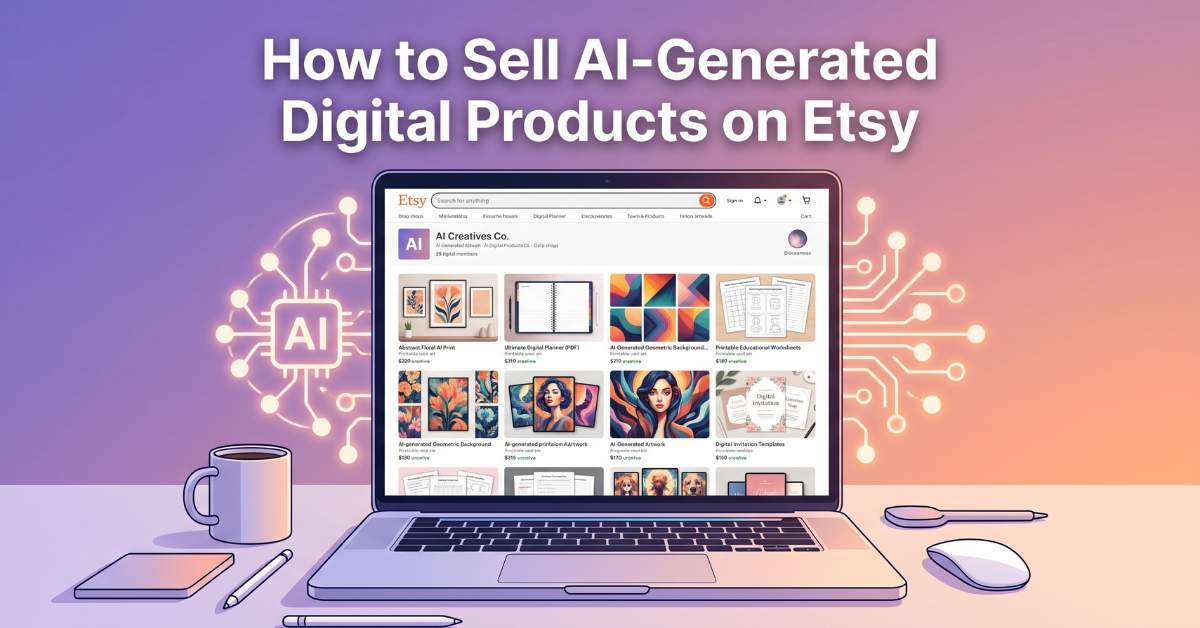
Digital downloads are not new to Etsy. Printable planners and wedding invitation templates have been quiet moneymakers on the platform for over a decade. What has changed is the production cost. Where a seller once needed Photoshop skills or a hired designer to produce a single polished product, AI tools now let a single person generate dozens of sellable variations in an afternoon.
The Rise of the “Digital Download” Economy
Digital products carry no shipping cost, no inventory risk, and no fulfillment delay. A buyer pays, downloads, and the seller’s job is essentially done. This no-fulfillment model is exactly why so many people are researching how to sell AI generated digital products on Etsy right now — digital listings dominate Etsy’s “Trending Now” and “Bestseller” tags in categories like wall art, planners, and clipart bundles — categories where AI tools now excel.
Real Numbers From the Etsy Marketplace
Search volume for terms like “printable wall art,” “AI generated coloring pages,” and “digital planner 2026” has climbed steadily year over year, according to third-party Etsy keyword tools such as eRank and Marmalead. What stands out is not just the volume but the low competition-to-demand ratio in sub-niches — a gap that AI-assisted sellers are moving fast to close before it saturates.
How AI Changes the Economics for New Sellers
Traditionally, breaking into a visual niche on Etsy required either a real design skill set or enough capital to outsource one. AI tools flatten that barrier in a way few other trends have. A first-time seller with no formal training can now produce work that looks, at a glance, comparable to shops that have been operating for years. This doesn’t mean quality no longer matters — it means the competitive advantage shifts away from raw artistic skill and toward judgment: knowing which styles Etsy shoppers respond to, which niches are underserved, and how to package a finished image into something a buyer actually wants to purchase. That shift in what “skill” means is the real reason so many newcomers are able to compete credibly within their first few months.
Looking for tools and resources to get started faster?
Explore Our Recommended Toolkit →2. What Actually Counts as an “AI-Generated Digital Product”
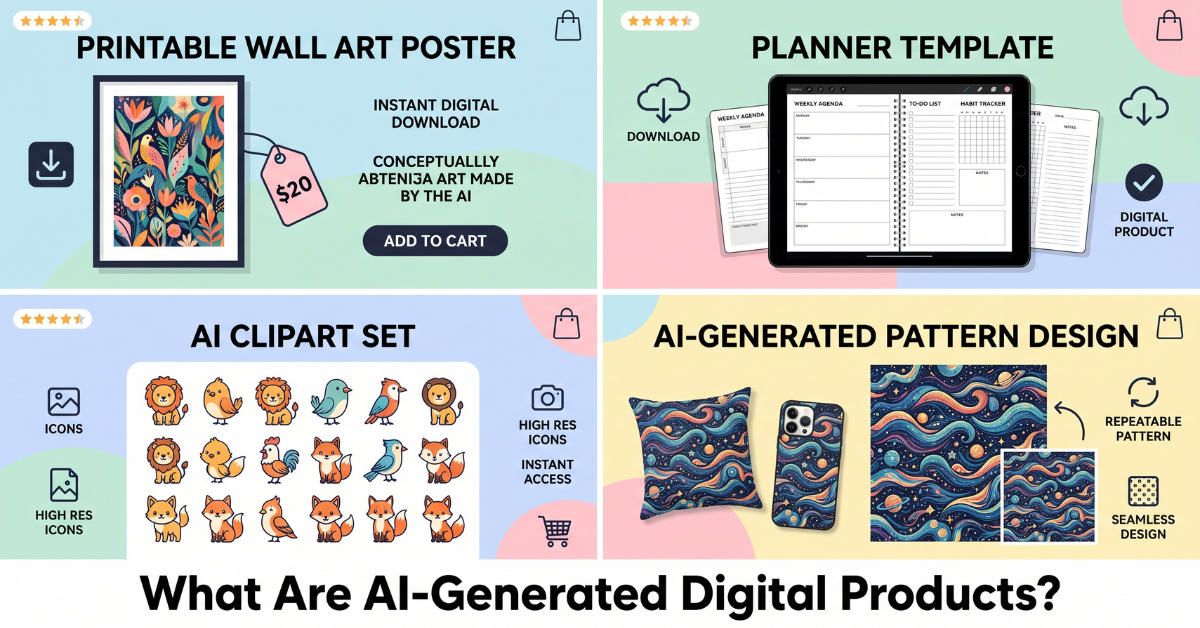
Before building a shop, it helps to know exactly what sells. Understanding how to sell AI generated digital products on Etsy starts with picking the right product type — “AI-generated” is a broad label, and the most successful Etsy shops tend to specialize rather than scatter across every category at once.
Printables & Planners
Budget trackers, meal planners, habit trackers, and wedding planning kits remain some of the highest-converting digital categories on Etsy. AI tools speed up both the visual design and the copywriting for each page.
Clipart, Patterns & Design Assets
Seamless patterns for fabric-on-demand, sticker sheets, and clipart bundles for other small business owners (think Canva templates or POD sellers) are in constant demand because they solve a problem for a downstream buyer, not just an end consumer.
AI Art Prints & Wall Decor
Botanical prints, abstract line art, and stylized portraits generated through AI image tools consistently rank in Etsy’s wall art category, particularly when sold as instant-download sets rather than single images.
3. Is It Actually Allowed? Etsy’s AI Policy Explained
This is the question every new seller asks first, and it deserves a direct answer: yes, selling AI-generated digital products on Etsy is allowed — but knowing how to sell AI generated digital products on Etsy the right way means staying within specific guardrails that Etsy actively enforces.
Etsy’s Disclosure Requirement
Etsy requires sellers to disclose when a listing was made using AI tools, either in the listing description or through the platform’s production-partner disclosure field. Skipping this step is one of the fastest ways to get a listing flagged, even if the product itself is perfectly legitimate.
What Gets Flagged or Removed
- Listings that closely mimic a living artist’s recognizable style without disclosure
- Products that use copyrighted characters, logos, or trademarked names generated by AI
- Mass-uploaded, near-identical AI images with no creative direction or editing
- Misrepresenting a fully AI-generated product as “hand-painted” or “hand-drawn”
The sellers who build lasting shops tend to treat AI as a starting point, not a finish line — refining outputs, combining them with original layout or typography work, and being upfront about the process in their shop policies. For the full, current wording, Etsy’s own Creativity Standards policy page is the most reliable reference, since these rules are updated periodically.
4. The Best AI Tools for Creating Sellable Products
The tools you choose have a direct effect on how to sell AI generated digital products on Etsy at a professional standard rather than a hobbyist one.
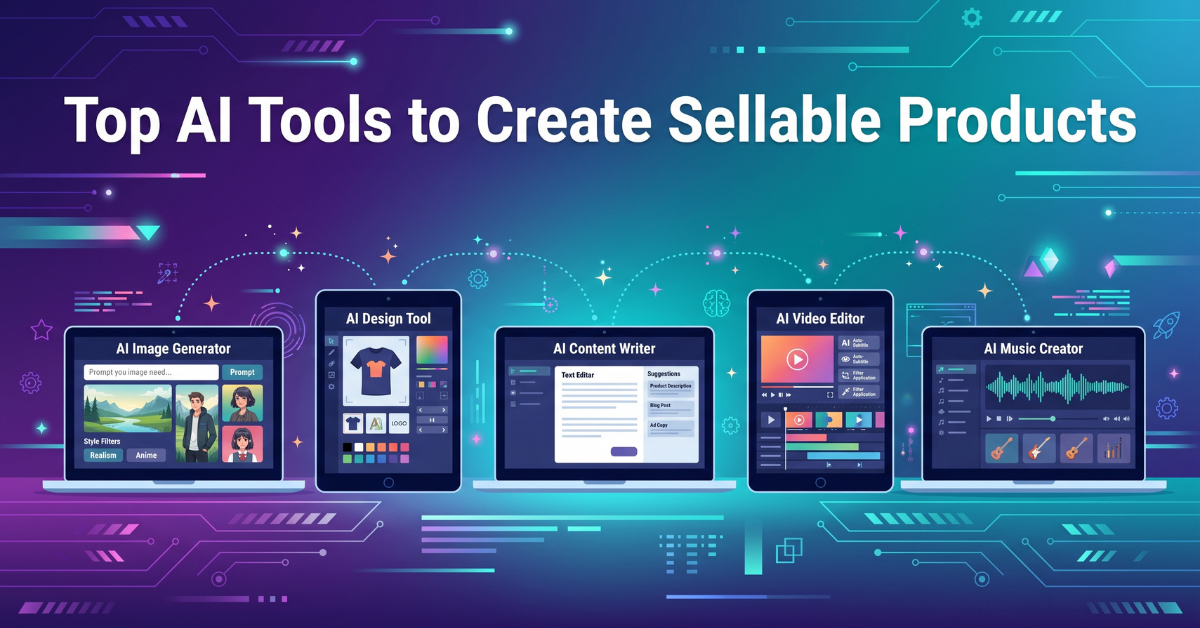
Image Generators
Tools like Midjourney, Adobe Firefly, and Leonardo.Ai each have strengths. Midjourney tends to produce the most painterly, gallery-ready wall art. Firefly’s commercial licensing terms make it a safer default for sellers concerned about copyright exposure. Leonardo.Ai’s fine-tuned models are particularly strong for repeatable, on-brand product lines like seamless patterns.
Layout & Mockup Tools
Raw AI output rarely sells on its own. Canva Pro and Adobe Express are used to turn a single AI image into a full product line — a planner cover, an interior page, a styled room mockup for wall art, and a matching social media graphic — all from one source asset.
| Tool | Best For | Commercial Use |
|---|---|---|
| Midjourney | Painterly wall art | Yes, paid plans |
| Adobe Firefly | Commercial assets, clipart | Yes, built-in |
| Leonardo.Ai | Patterns, brand consistency | Yes, paid plans |
| Canva Pro | Layout, mockups | Yes, with Pro |
5. Building a High-Converting Etsy Listing
Great products alone don’t guarantee sales — a core part of how to sell AI generated digital products on Etsy successfully comes down to the listing itself.
Keyword Research That Works
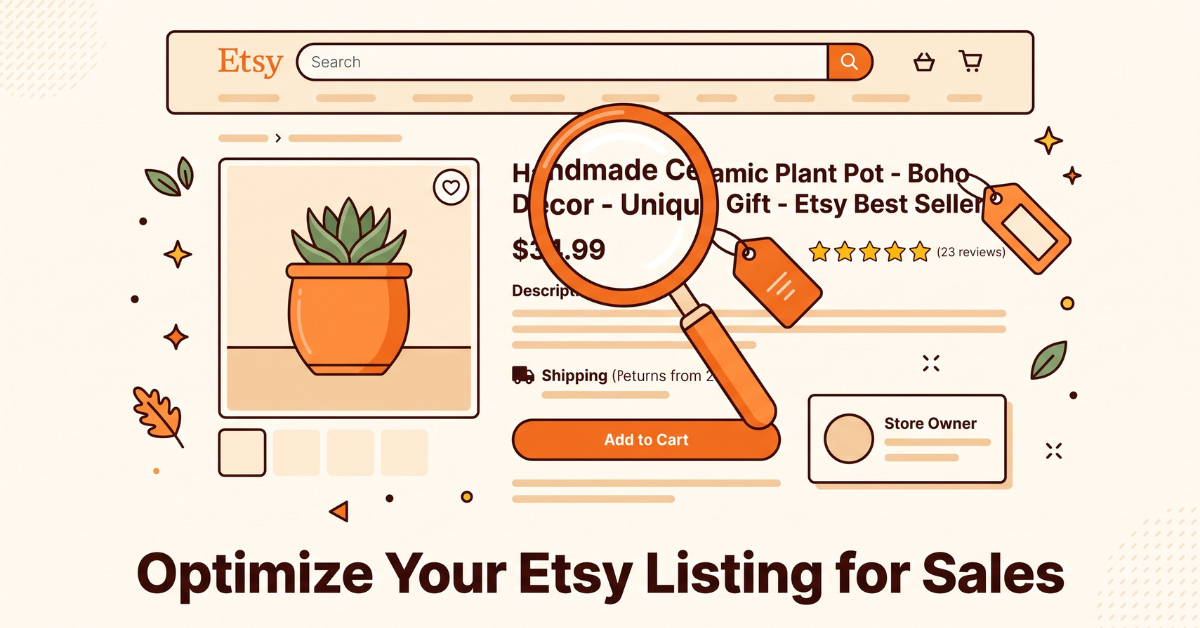
Etsy search behaves more like a product catalog than a search engine, which means exact-match, long-tail phrases in the title and first tags matter more than clever branding. “Boho printable wall art set of 3” will consistently outperform a vague, creative title with no searchable keywords in it.
Pricing Strategy
Because digital products have no marginal production cost, pricing is a psychology exercise more than a math one. Bundling multiple designs into a single higher-priced listing (for example, a 10-page printable pack at $12 rather than ten separate $2 listings) consistently increases average order value without hurting conversion.
Mockups That Sell
Buyers are purchasing a digital file, but they are shopping with their eyes the same way they would for a physical product. Anyone still figuring out how to sell AI generated digital products on Etsy should treat mockups as a priority: framed-wall mockups, styled desk scenes for planners, and lifestyle context photos consistently outperform plain flat renders in Etsy’s own seller data reports.
Testing Your Thumbnails
Etsy’s search results are almost entirely thumbnail-driven — a shopper scrolling a results page is deciding whether to click within a fraction of a second. Rotating the primary listing photo every few weeks and watching the “views to favorites” ratio in Etsy Shop Manager is one of the simplest, most underused optimization habits among digital sellers.
6. Marketing Your Shop Beyond Etsy Search
Listings alone rarely carry a shop to real income — the other half of how to sell AI generated digital products on Etsy successfully is driving traffic from outside Etsy’s own search results.
Pinterest as a Traffic Engine
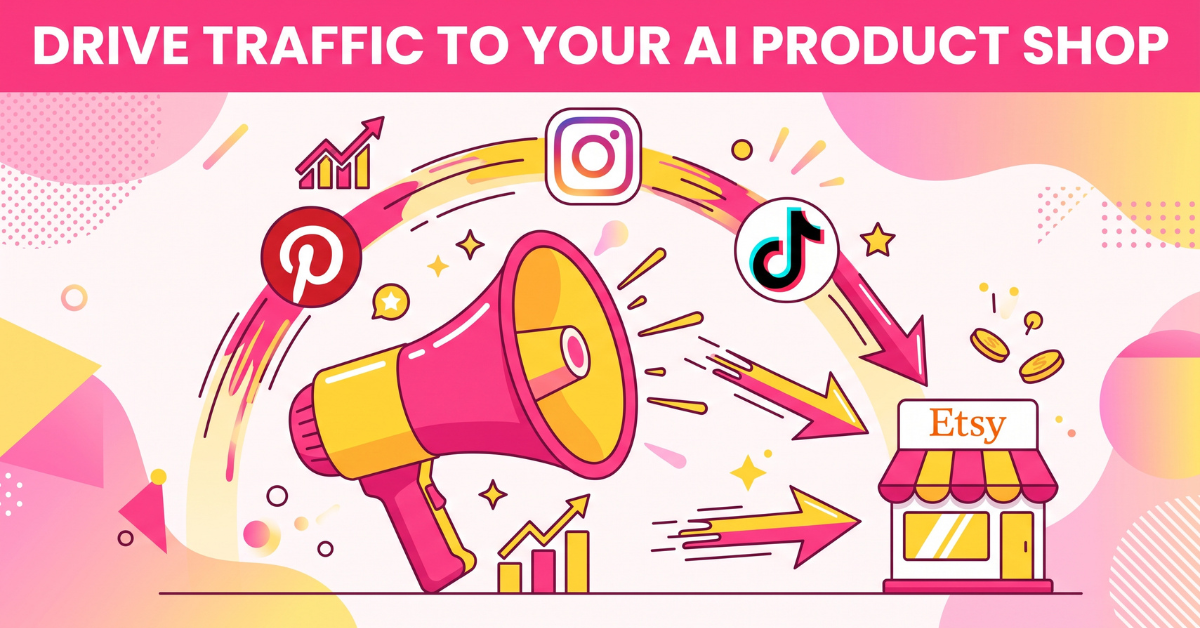
Pinterest functions less like social media and more like a visual search engine, which makes it a near-perfect match for Etsy digital products. A single pin can continue driving traffic for months, and Etsy’s own integration allows automatic pin creation directly from new listings.
Building an Email List From Day One
Etsy owns the customer relationship by default — sellers rarely get a buyer’s email address. Offering a free mini printable in exchange for an email signup, promoted through a simple landing page or Instagram bio link, is one of the few ways sellers can build an owned audience they aren’t renting from the platform.
Short-Form Video: Reels and TikTok
“Process” content — a quick screen recording of a design being generated and refined, paired with the finished mockup — performs consistently well on Instagram Reels and TikTok because it satisfies genuine curiosity about how AI tools work. Sellers don’t need to be on camera; a simple screen-record with trending audio and a caption linking to the Etsy shop is often enough to drive a steady trickle of curious first-time buyers.
Cross-Promoting With Other Digital Sellers
One traffic source that gets overlooked is collaboration with other small digital sellers in adjacent, non-competing niches. A planner shop and a wall art shop, for example, often share the same buyer persona — someone setting up a home office or refreshing a living space — without directly competing for the same sale. Simple cross-promotion, such as featuring a complementary seller’s product in a bundle discount code or a shared Pinterest board, can introduce a shop to an audience that already has proven purchase intent in a related category, at essentially zero cost.
Need help setting up your shop or designs professionally?
Find a Freelancer on Fiverr →7. Common Mistakes That Kill AI Digital Product Shops

Most shops that fail don’t fail because AI tools weren’t good enough. They fail because of avoidable structural mistakes made in the first 30 days — mistakes that have nothing to do with whether someone truly knows how to sell AI generated digital products on Etsy.
- Uploading raw, unedited AI output. Buyers can spot a generic, un-refined AI image, and Etsy’s algorithm tends to bury listings with low engagement.
- Launching with a single product. Etsy’s search favors shops with depth in a niche. Ten related listings will outperform one standalone listing almost every time.
- Ignoring shop SEO after launch. Titles and tags need revisiting every few weeks based on Etsy’s own search analytics, not set once and forgotten.
- Skipping the AI disclosure. This is a policy risk that’s entirely avoidable and costs nothing to fix.
- Never revisiting old listings. A design that sold well a year ago can quietly stop converting as trends shift — refreshing older thumbnails and titles keeps a shop’s catalog from going stale.
8. How to Sell AI Generated Digital Products on Etsy: A 7-Day Launch Checklist
Here is the condensed, week-by-week path from zero to a live, functioning shop.
- Day 1–2: Pick one niche (planners, wall art, or clipart) and research 15–20 top-performing listings using a keyword tool like eRank.
- Day 3: Generate a first batch of 15–20 image variations using your chosen AI tool, keeping a consistent style or color palette.
- Day 4: Build mockups and layouts in Canva Pro or Adobe Express, and write keyword-rich titles and descriptions for each listing.
- Day 5: Set up your Etsy shop policies, including your AI-use disclosure, and publish your first 8–10 listings.
- Day 6: Create a Pinterest business account, connect it to your Etsy shop, and pin each new listing with a keyword-optimized description.
- Day 7: Record one short-form video showing your design process and post it to Instagram Reels or TikTok with a link to your shop.
Getting Started This Week
The barrier to entry for AI-generated digital products has never been lower, and the sellers winning in this space right now are not the most artistically talented — they’re the ones treating it like a real, small business from day one: clear niche, consistent listings, honest disclosure, and marketing that lives outside of Etsy search alone. If you’ve followed the checklist above, you already know how to sell AI generated digital products on Etsy — the window for low competition in this niche won’t stay open forever, but it is open today.
💡 Frequently Asked Questions (FAQ)
Q1. Do I legally own the AI-generated image I sell on Etsy?
This is one of the first questions to resolve before learning how to sell AI generated digital products on Etsy at scale. Ownership varies by tool and depends on the platform’s terms of service at the time of generation. Most major AI image generators grant commercial usage rights to paying subscribers, but sellers should always confirm the current licensing terms of the specific tool they use, since these policies can change.
Q2. Can I sell the same AI design on Etsy and other platforms at the same time?
In most cases, yes. Digital products aren’t exclusive by default, and many successful sellers list identical or near-identical products across Etsy, their own website, and marketplaces like Creative Market to diversify income sources.
Q3. How long does it typically take for a new AI product shop to become profitable?
Most sellers who stay consistent see initial sales within the first 30 to 60 days, with meaningful, repeatable income typically forming after 3 to 6 months once a shop has enough listings and reviews to rank consistently in Etsy search.
Q4. Do I need expensive software to get started?
No. Most sellers start with a free or low-cost tier of an AI image generator plus a free Canva account, and only upgrade to paid plans once a listing starts generating consistent sales. The barrier to entry is time and iteration, not upfront spending.
Q5. What’s the biggest difference between a hobby shop and a profitable one?
Consistency and catalog depth. Once you understand how to sell AI generated digital products on Etsy, the real differentiator is habit: hobby shops tend to list a handful of products and stop. Profitable shops treat listing new, related products every week as a core business habit, which compounds their visibility in Etsy search over time.
🌿 Weekly wellness, health & beauty insights — straight to your inbox
Free subscription · Cancel anytime