Automating WooCommerce Order Fulfillment With Free AI Tools: The Complete 2026 Playbook
If you run a WooCommerce store, you already know the feeling: an order notification pops up, and instead of celebrating, you brace yourself for another round of copy-pasting tracking numbers, answering the same three customer questions, and manually updating order statuses. Living in California, I’ve watched dozens of small store owners in my own network burn out not because their products weren’t selling, but because the operational side of fulfillment quietly ate every free hour they had. The good news is that in 2026, you don’t need a five-figure SaaS subscription to fix this. A handful of free AI tools, stitched together the right way, can automate 70–80% of the repetitive work sitting between “order placed” and “customer is happy.”
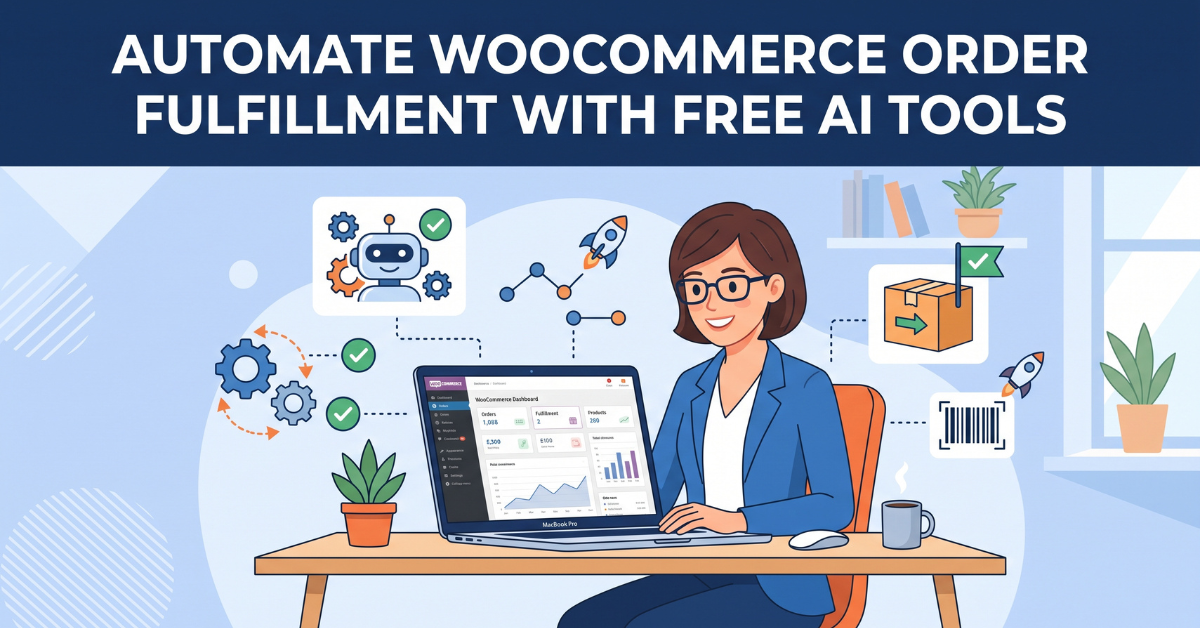
This is the exact playbook I’d hand to a friend opening their first WooCommerce store today: which free AI tools are actually worth your time, how to connect them without writing a single line of code, and where most people quietly waste hours they don’t have to.
What makes this approach different from the usual “top 10 AI tools” listicle is that it’s built around a single order’s actual journey — from the moment a customer clicks “buy” to the moment they stop asking you questions about it. Every tool recommended below earns its place because it removes a specific, repeatable step from that journey, not because it’s trendy. This guide walks through automating WooCommerce order fulfillment with free AI tools step by step, so by the end you’ll have a working mental map of exactly where AI should sit inside your fulfillment process, and just as importantly, where it shouldn’t.
Automating WooCommerce Order Fulfillment With Free AI Tools: Why It Matters
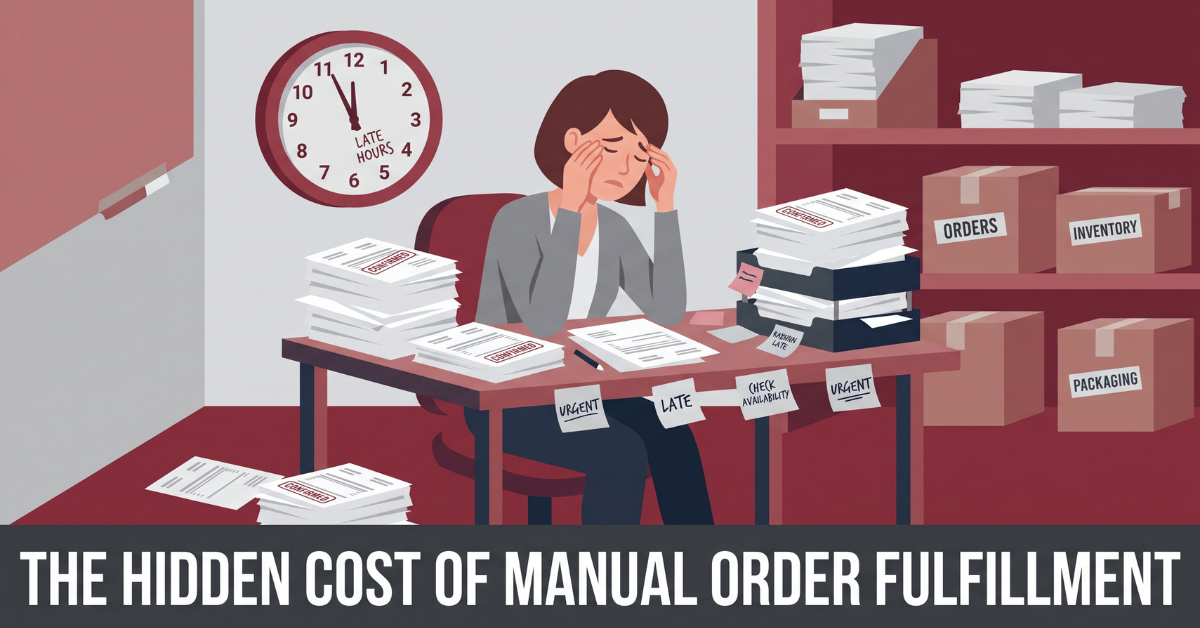
Most store owners underestimate how much time “small” manual tasks cost, mostly because each individual task only takes two or three minutes. The problem is volume. Ten orders a day at three minutes each is thirty minutes. Fifty orders a day is well over two hours — every single day, seven days a week, with no scaling benefit as your store grows.
The Real Cost of “Just Doing It By Hand”
- Manually typing shipping confirmation emails for every order
- Copy-pasting the same answers to “where is my order?” tickets
- Switching between WooCommerce, your inbox, and your shipping carrier’s site
- Forgetting to update order status, which triggers even more support tickets
- No time left to actually improve product pages or marketing
None of these tasks require human judgment. That’s exactly why they’re perfect candidates for AI automation — they’re repetitive, rule-based, and follow a predictable pattern order after order.
Do the Math on Your Own Store
Try this quick exercise with your own numbers. Multiply your average daily order count by roughly five minutes — the realistic combined time for confirmation messages, status updates, and the occasional support reply. A store doing 30 orders a day loses about two and a half hours daily to tasks that have nothing to do with growing the business. Over a 30-day month, that’s more than 75 hours — nearly two full work weeks spent on repetitive admin instead of product development, marketing, or simply resting. Once you see the number written out, the case for automation stops being theoretical.
The Free AI Toolkit: What Actually Works in 2026
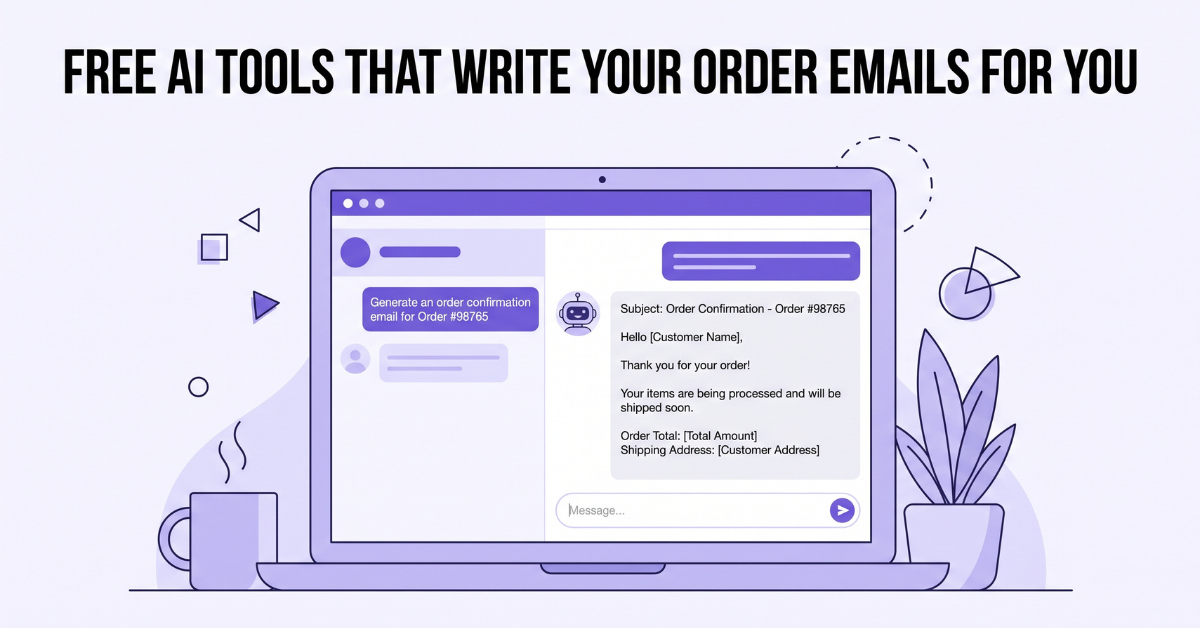
Before touching any automation platform, it helps to understand what each free AI tool is actually good at. Trying to force one tool to do everything is the single biggest mistake I see store owners make.
Free LLM Chat Tools for Order Communication
A free-tier conversational AI tool (the kind most people already use daily) can be prompted to generate:
- Order confirmation email templates with dynamic fields (name, order number, items)
- Shipping delay apology messages that don’t sound robotic
- Product-specific care instructions to attach automatically after a sale
- Refund and return policy explanations tailored to the customer’s specific situation
The trick is building a small “prompt library” once, saving it, and reusing it — rather than starting from scratch every time you need a message.
Free AI Document Tools for Packing Slips and Thank-You Notes
Beyond email, free AI writing tools are surprisingly effective at generating small touches that increase repeat purchases: personalized thank-you notes to include in packages, short product-specific unboxing tips, or seasonal “how to reorder” reminders. None of this needs to be written from scratch each time. Generate five or six variations once, save them as templates inside your fulfillment workflow, and rotate them automatically so returning customers don’t see the exact same note twice. It’s a small detail, but it’s the kind of detail that separates a store that feels automated from one that feels genuinely cared for.
SPONSORED
Don’t want to set this up yourself? Skilled Fiverr freelancers can build your entire WooCommerce + AI automation pipeline in a few days for a fraction of what a dev agency charges.
Find a Fiverr Automation Expert →Building a Zero-Cost Automation Pipeline With Zapier and Make
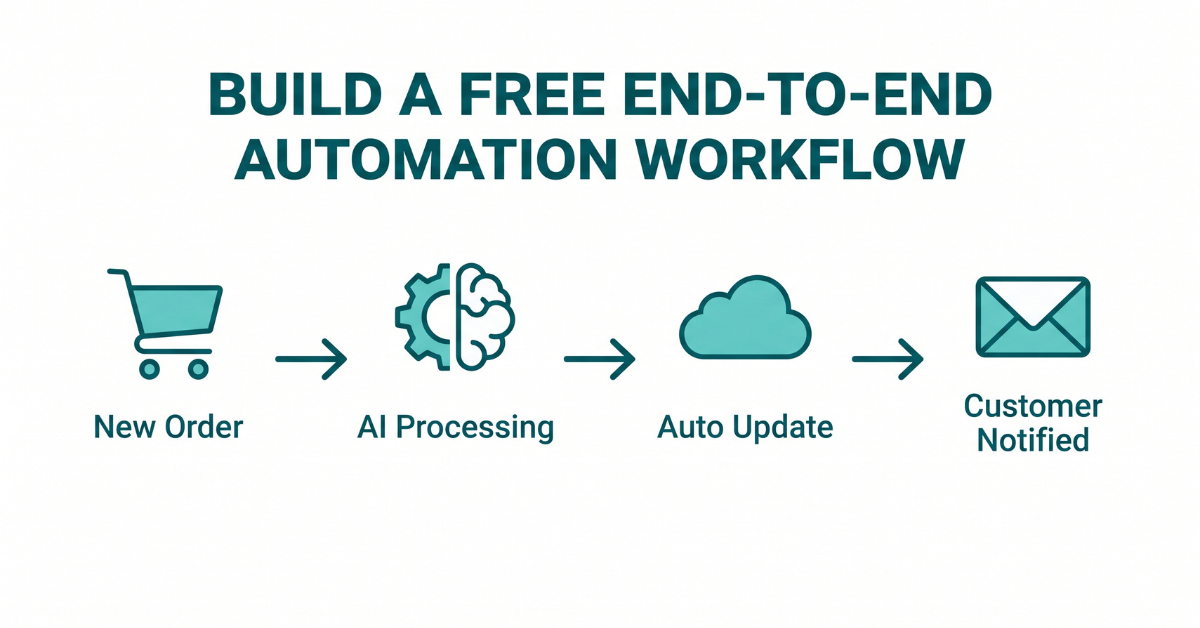
This is where the actual automation happens. Both Zapier and Make offer free tiers generous enough for a small-to-mid volume WooCommerce store, and both connect directly to WooCommerce’s native webhooks — no plugin bloat required.
Step-by-Step: Your First Automated Workflow
- Connect the trigger. In WooCommerce settings, enable the “New Order” webhook and point it to your Zapier or Make workflow.
- Add an AI processing step. Route the order data into a free AI text-generation step that drafts a personalized confirmation message using the customer’s name and items.
- Auto-update order status. Once shipping info is added (manually or via your carrier’s API), have the workflow automatically flip the WooCommerce order status to “Shipped.”
- Trigger the notification. The AI-drafted message sends automatically through your email provider — no manual send required.
Once built, this workflow runs silently in the background for every single order, whether you get five orders a day or five hundred.
Choosing Between Zapier and Make
Both platforms can run this exact workflow on their free plans, but they’re built for slightly different habits. Zapier’s interface is more linear and beginner-friendly — you’ll set up a trigger, add one action after another, and turn it on. Make uses a visual canvas that’s better suited to branching logic, like sending a different message depending on whether an order includes a pre-order item versus an in-stock item. If you’re setting up your very first automation, start with Zapier’s simplicity. If you already know you’ll need conditional branches — different flows for different product types, shipping zones, or order values — Make’s free tier will save you from rebuilding the workflow later.
For the exact trigger setup, see WooCommerce’s official webhook documentation, or check Make’s automation tools guide for branching logic examples if you go that route instead.
Letting AI Chatbots Handle “Where Is My Order?” Forever
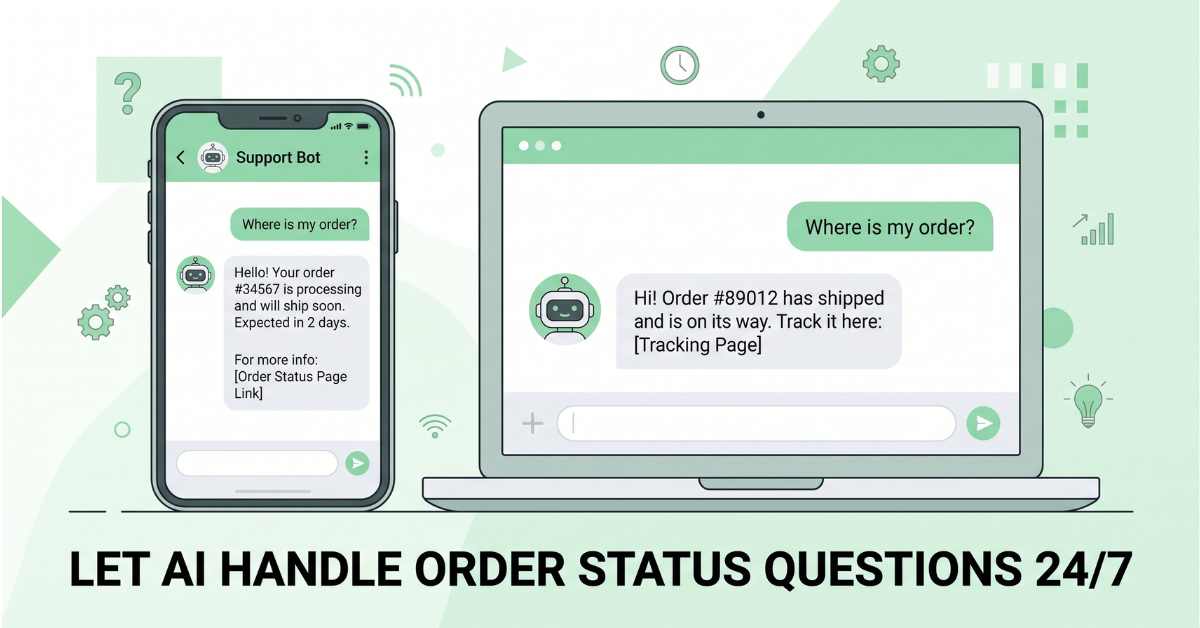
In almost every WooCommerce store I’ve reviewed, “where is my order” makes up 40–60% of all support tickets. This is the single highest-leverage automation you can implement, because it’s high volume and extremely low complexity.
Setting Up a Free Order-Status Chatbot
- Use a free-tier AI chatbot widget connected to your store’s order lookup endpoint
- Train it on a short FAQ covering shipping times, return windows, and delay policies
- Set it to automatically pull live order status from WooCommerce by order number or email
- Escalate to a human only when the customer explicitly asks for one
SPONSORED
Running automation tools and admin dashboards from shared or public wifi? A reliable VPN keeps your store’s login credentials and customer data encrypted while you manage fulfillment on the go.
Secure Your Store Admin Access →Before and After: What the Data Actually Shows
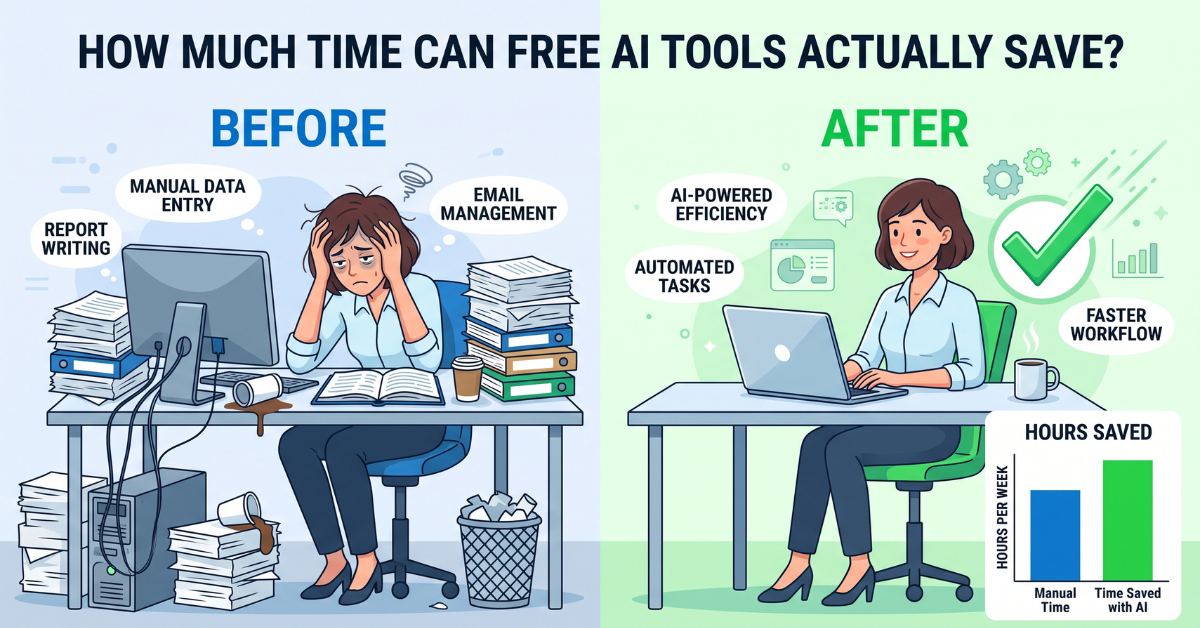
Store owners I’ve talked to who implemented this exact stack reported consistent patterns once the pipeline was fully running:
| Task | Before Automation | After Automation |
|---|---|---|
| Order confirmation emails | 3–4 min per order | Instant, automatic |
| “Where is my order” tickets | 5–10 min per ticket | Resolved by chatbot in seconds |
| Order status updates | Manual, often delayed | Auto-synced in real time |
| Daily admin time (mid-volume store) | 2–3 hours | 20–30 minutes |
Common Pitfalls When Automating WooCommerce With Free Tools
- Over-automating too fast. Start with confirmation emails and status updates before touching refunds or complex support flows.
- Ignoring free-tier limits. Zapier and Make cap monthly automation “tasks” on free plans — monitor usage so workflows don’t silently stop.
- Sounding robotic. Always review AI-generated message templates for tone before deploying them at scale.
- No fallback to a human. Always leave a clear escalation path for customers with genuinely unusual issues.
Most of these mistakes share a common root: treating automation as a “set it and forget it” project instead of something you check on periodically. Block 15 minutes every couple of weeks to skim through recent AI-generated messages and chatbot conversations. That small habit catches tone drift and free-tier limit issues long before they turn into customer complaints.
RECOMMENDED
Want more free, practical guides like this on running a lean online store? I cover automation, AI tools, and ecommerce workflows regularly.
Read More Guides on Dannywrites →Getting Started: Your First Week Checklist
Here’s the full checklist for automating WooCommerce order fulfillment with free AI tools, broken down day by day so it never feels overwhelming.
- Day 1–2: Build your AI prompt library for order emails and support replies
- Day 3–4: Connect WooCommerce’s “New Order” webhook to a free Zapier or Make account
- Day 5: Set up automatic order-status syncing
- Day 6: Deploy a free-tier chatbot trained on your shipping and returns FAQ
- Day 7: Test the full pipeline with a real order and refine tone/templates
None of this requires a developer, a paid plugin, or a big budget. It requires about a week of focused setup — and after that, hours of your week come back to you, every single week, for as long as your store runs.
The store owners who get the most out of this stack aren’t the ones with the biggest budgets — they’re the ones who treat the first week as a real project rather than something to squeeze in between other tasks. Set the calendar reminder, block the time, and walk through the checklist in order. By the time your next batch of orders comes in, most of the manual work you’ve been doing by hand will already be running quietly in the background, and you’ll finally have the bandwidth to focus on the parts of the business only you can do.
By now you have a complete, repeatable system for automating WooCommerce order fulfillment with free AI tools — one that scales with your store instead of adding more manual work as you grow.
💡 Frequently Asked Questions (FAQ)
Q1. Will free AI tools actually scale as my WooCommerce store grows, or will I eventually need to pay?
Free tiers work well for small-to-mid volume stores, but automation platforms like Zapier and Make cap the number of monthly tasks. As order volume grows past a few hundred orders a month, most stores eventually upgrade one piece of the stack — but the AI content generation and chatbot layers often stay free far longer than the automation platform itself.
Q2. Is it risky to let AI auto-generate customer-facing messages without a human reviewing every one?
For standardized messages like order confirmations and shipping updates, it’s low-risk once the template has been reviewed and approved by you. The risk increases with nuanced situations like refund disputes — those should stay templated but human-reviewed, not fully hands-off.
Q3. Which part of this automation stack delivers the biggest time savings first?
The order-status chatbot almost always delivers the fastest, most noticeable relief, since “where is my order” tickets typically make up the largest single category of daily support requests for small stores. It’s usually the best starting point when automating WooCommerce order fulfillment with free AI tools for the first time.
Recommended Tags: WooCommerce Automation, Free AI Tools, Ecommerce Fulfillment, Zapier Workflow, AI Chatbot for Ecommerce
🌿 Weekly wellness, health & beauty insights — straight to your inbox
Free subscription · Cancel anytime