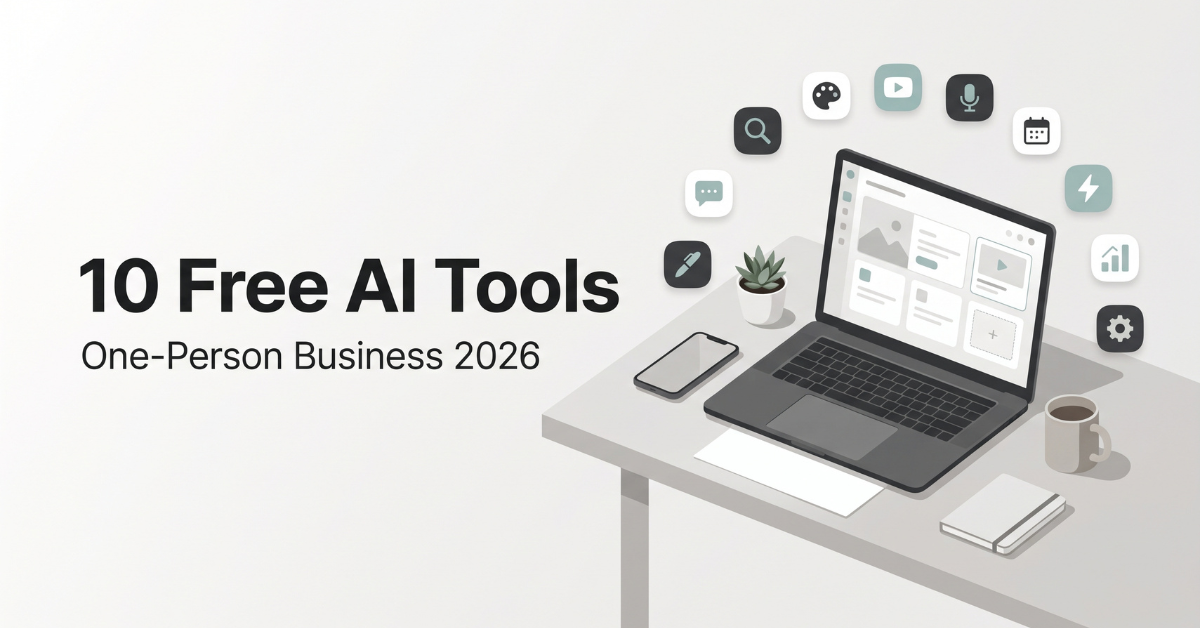
These are the free AI tools to run a one-person online business in 2026 that I actually open every week, not a list copied from someone else’s roundup. Living in San Jose, I’ve watched friends at big tech companies get AI budgets bigger than my car payment, while I run a blog, a YouTube channel and a small online shop with exactly one person on payroll: me.
Here’s the good news: the gap between a solo creator and a funded team has never been smaller. Most of the AI that matters for a small online business now has a real free tier, not a seven-day trial that quietly turns into a charge.
The less fun news is that “free” in 2026 is a moving target. In the last few months alone, ChatGPT loosened its free text limits, Canva trimmed its free AI allowance, and at least one popular video editor moved features behind a paywall. So this guide is my working stack as of November 2026, with the real limits I run into and what I’d pay for first when free stops being enough.
The 10 tools, at a glance:
- Writing & research: ChatGPT, Claude, Perplexity, NotebookLM, Grammarly
- Design: Canva
- Video & audio: CapCut, ElevenLabs
- Automation & distribution: Buffer, Zapier
How I Chose These Free AI Tools
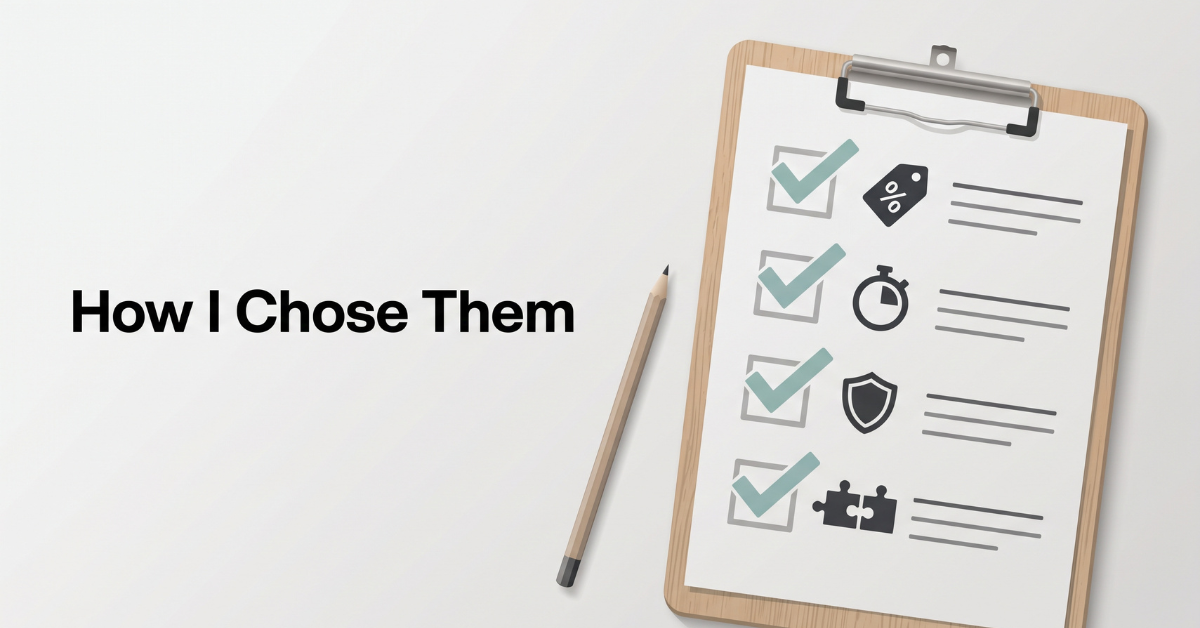
I’ve signed up for more “free” AI apps than I’d like to admit. Most lasted a week. The ones that made my list of free AI tools to run a one-person online business in 2026 passed four simple tests, and I’d suggest you use the same filter before adding anything to your own stack.
- Free forever, not free for now. A permanent $0 plan with no credit card. Trials don’t count.
- It saves real time every week. If a tool doesn’t give me back at least an hour a week, it’s a toy, not a teammate.
- It plays well with others. I need to copy, export or connect what it makes. Walled gardens slow a solo operator down.
- The limits are visible. I want to know where the wall is before I hit it in the middle of a launch.
One more ground rule: every number below comes from the companies’ own pricing pages or recent reviews that checked them, and I’ve noted the date. Free plans change constantly, so treat this as a snapshot and double-check anything your business depends on.
Writing and Research: Where My Day Starts
Words are still the backbone of an online business. Blog posts, product descriptions, video scripts, emails to customers. This is where free AI gives the biggest return, and it’s also where I use more than one tool on purpose, because each one is good at a different part of the job.
1. ChatGPT Free: The Everyday Drafting Partner
ChatGPT’s free plan got a lot more useful this year. On August 6, 2026, OpenAI dropped the cap on text messages for free users and made GPT-5.6 Luna the default model. For everyday drafting, that means I no longer ration my questions.
Heavier features still have ceilings. Image generation, file uploads and deep research remain capped on the free plan, and the newest reasoning models stay behind ChatGPT Plus at $20 a month. There’s also a cheaper Go plan, reported at around $8 a month in some regions. OpenAI has also started showing ads to free users, which is worth knowing if you share your screen with clients.
How I use it: first-draft outlines, five versions of a product description, and brainstorming YouTube titles. My trick is to ask for options, never a single answer. “Give me 10 titles, then rank them for curiosity” beats “write a title” every time.
2. Claude Free: The Long-Form Editor
When a draft is long and messy, I paste it into Claude. Anthropic expanded its free plan in February 2026, bringing Projects, Artifacts, file creation and connectors to free users. Usage resets on a rolling window of a few hours, and Claude Pro costs $20 a month, or $17 a month billed annually.
How I use it: I keep a Project with my brand voice notes, a list of words I never use, and a few of my best past posts. Then I ask it to tighten a draft “in my voice” without adding new claims. Editing is where I’ve found it most reliable.
3. Perplexity Free: Research With Receipts
An economics-style blog lives or dies on its numbers, so I don’t trust any AI answer without a source. Perplexity’s free plan gives effectively unlimited basic searches with citations, plus a small number of deeper Pro searches. Its official plan comparison listed 3 Pro searches per day as of September 2026. The Pro plan is $20 a month or $200 a year.
How I use it: fact-checking prices, fees and statistics before they go into a post. The rule I follow: always click through to the original source. Citations can be wrong, and “an AI said so” is not a source your readers will accept.
4. NotebookLM: A Second Brain for Your Own Material
NotebookLM is the most underrated free tool on this list. You upload your own sources (PDFs, Google Docs, web pages, YouTube videos) and it answers questions using only those. The free plan gives you 100 notebooks with up to 50 sources each, with a usage budget that refreshes every five hours. Google has been rebranding it as Gemini Notebook, and higher limits now come with Google’s AI plans, starting with Google AI Plus at $4.99 a month in the US.
How I use it: one notebook per product line. I drop in supplier manuals, my past blog posts and customer FAQs, then ask things like “What questions do customers keep asking about sizing?” It’s like having an assistant who has read everything I’ve ever written.
5. Grammarly Free: The Last-Mile Proofreader
AI drafts still have typos, odd phrasing and the occasional tone problem. Grammarly’s free plan covers grammar, spelling and tone detection, plus 100 generative AI prompts a month. Pro is $12 a month billed annually, or $30 if you pay month to month, so annual billing is the only version I’d consider.
How I use it: the browser extension runs on everything, including product listings and customer emails. I save the 100 AI prompts for rewriting tricky customer-service replies, where tone matters most.
Paid shortcut for client writing
Bizzy ClientFlow AI Kit
If your bottleneck is writing to clients rather than writing content, this kit bundles AI prompts, cold outreach and DM scripts, follow-up templates and proposal worksheets you can paste into any of the free chatbots above. It was a $27 one-time download as of November 2026, and the seller is upfront that it’s a template pack, not an income promise.
See What’s Inside the KitDesign: Looking Professional on a $0 Budget
Readers judge a business by its thumbnails, pins and product photos before they read a single word. Ten years ago, good design meant hiring someone. Today, one free tool covers about 80% of what a small online business needs.
6. Canva Free: The Design Department
Canva’s free plan is a real product: the full drag-and-drop editor, around 1.6 million templates, 5GB of storage and one brand kit. Its own commercial use guidance lets you use free content in original designs you sell, though you can’t resell its stock assets on their own.
The catch is AI. Canva’s free AI allowance has been shrinking. A pricing tracker recorded the free plan being cut to 20 AI uses a month on October 24, 2026, and a few days later Canva removed the number entirely and now describes it only as “limited monthly access.” Canva Pro also went up this summer, from $144 to $180 a year.
How I use it: I treat Canva’s AI as a small budget, not a buffet. I generate images in a free chatbot when I need them, then do layout, text and branding in Canva. The few AI uses I get go to the background remover, which is the feature that saves me the most time on product photos.
Turn your Canva skills into products
AI Printable Profits
Once you’re comfortable in Canva, printables (planners, journals, worksheets, coloring pages) are one of the simplest digital products to sell, with no inventory or shipping. This beginner guide includes 100 product ideas, reusable AI prompts and Canva templates. It was listed at €29.99 with a 60-day money-back guarantee as of November 2026.
Explore the Printables GuideVideo and Audio: Running a YouTube Channel Without an Editor
Video is where solo creators feel the time crunch hardest. A ten-minute YouTube video can eat a whole weekend if you edit by hand. Two free tools cut that down a lot, but this is also the category where free plans have the most fine print.
7. CapCut Free: The Fast Editor
CapCut’s free version still handles the core of the job: timeline editing, cuts, transitions, text and 1080p export. That’s enough for most YouTube videos and all of your Shorts.
The AI extras are where it gets confusing. CapCut restructured its pricing and moved several features toward its paid tier, and reports in 2026 disagree on whether auto captions are still free. Availability now seems to depend on your platform, region and app version. Pro pricing also varies by country.
How I use it: rough cuts and Shorts. Before you build your whole workflow around a CapCut feature, open your own app and confirm it’s still on your free plan. If captions are locked, YouTube Studio’s own automatic captions are a free fallback you can edit.
8. ElevenLabs Free: Voiceover Test Lab
ElevenLabs makes some of the most natural AI voices available. The free plan gives you 10,000 credits a month, which works out to roughly 10 minutes of high-quality text-to-speech, and unused credits don’t roll over.
Here’s the part most “free tools” lists skip: the free plan has no commercial license, and free output must credit ElevenLabs. If your channel is monetized or the audio promotes something you sell, that’s commercial use. The Starter plan at $6 a month is the cheapest tier that includes a commercial license.
How I use it: testing voices and making scratch voiceovers to time my edits. When a voice goes into a published, monetized video, I treat the $6 as a business expense, not an option.
For explainer-style videos
InstaDoodle
Whiteboard and doodle videos are great for explaining a product or a tricky idea, but they’re slow to make by hand. InstaDoodle generates doodle scenes from text prompts and works in the browser. To be clear, it isn’t free and has no free trial: it was a $37 one-time payment with a 60-day money-back guarantee when I checked in November 2026.
See InstaDoodle SamplesAutomation and Distribution: Reclaiming My Evenings
Creating content is only half the job. Posting it everywhere, moving order data around and following up used to eat my evenings. These two tools handle most of that in the background.
9. Buffer Free: The Social Media Scheduler
Buffer’s free plan lets you connect 3 social channels and keep up to 10 scheduled posts per channel at a time. A slot opens again as each post goes live. Unusually for this category, its AI Assistant is included on the free plan, and Buffer describes it as unlimited.
Paid plans start at $6 per channel per month, or $5 billed yearly. One trap: when you upgrade, you pay for every connected channel, including the three that used to be free.
How I use it: every Sunday I batch the week’s posts for my three most important channels, and use the AI Assistant to turn one blog post into several short captions.
10. Zapier Free: The Invisible Assistant
Zapier connects apps that don’t talk to each other. The free plan includes 100 tasks a month and two-step Zaps only, meaning one trigger and one action. Free accounts check for new data about every 15 minutes, and when you hit 100 tasks, your Zaps simply pause until the next month. Professional starts at $29.99 a month, or $19.99 billed annually. If you need more room for free, Make’s free plan offered 1,000 credits a month as of September 2026.
How I use it: one Zap copies each new shop order into a spreadsheet, and another saves new blog posts as email drafts. Each run uses one task, so two Zaps fit easily inside 100 a month for a small shop.
Free AI Tools to Run a One-Person Online Business in 2026: Comparison Table
Here’s the whole stack on one screen. Limits and prices are as of November 2026, based on each company’s pricing page or recent reviews that checked it.
| Tool | Best for | Free plan limit | First paid tier |
|---|---|---|---|
| ChatGPT | Drafts, ideas | Uncapped text chat; images, files, research capped | Go ~$8/mo; Plus $20/mo |
| Claude | Long-form editing | Projects & Artifacts included; rolling usage limits | Pro $20/mo ($17 annual) |
| Perplexity | Cited research | Unlimited basic searches; 3 Pro searches/day | Pro $20/mo |
| NotebookLM | Your own sources | 100 notebooks, 50 sources each | Google AI Plus $4.99/mo |
| Grammarly | Proofreading | Grammar & tone; 100 AI prompts/mo | Pro $12/mo annual ($30 monthly) |
| Canva | Thumbnails, pins | Full editor, 5GB; limited monthly AI uses | Pro $180/yr |
| CapCut | Video editing | 1080p export; AI features capped, vary by region | Pro (price varies by country) |
| ElevenLabs | AI voiceover | 10,000 credits/mo (~10 min); no commercial use | Starter $6/mo |
| Buffer | Social scheduling | 3 channels, 10 queued posts each, AI Assistant | $6/channel/mo ($5 annual) |
| Zapier | Automation | 100 tasks/mo, two-step Zaps | Professional $29.99/mo ($19.99 annual) |
Add up the “first paid tier” column and you get well over $100 a month. Skip all of them and you pay $0. That difference is exactly why I stay on free plans until a specific limit costs me more in time than the upgrade would cost in money.
Sponsored Resource
Massive Passive Profits
If you already run a blog and want to see how others are packaging AI into a monetization system, this program describes itself as an AI-driven setup for turning blogs into income. It was a $37 one-time purchase with a 60-day guarantee as of November 2026. Read the seller’s own disclaimer: results aren’t guaranteed and depend on your effort.
Learn MoreMy Daily AI Stack: A Real Tuesday
Tools only matter if they fit into an actual day. Here’s roughly how the free AI tools to run a one-person online business in 2026 on this list fit into mine when I’m publishing a blog post and a matching video in the same week.
6:30 AM: Coffee and research. Perplexity for current numbers, NotebookLM for anything from my own past work.
8:00 AM: Outline and first draft in ChatGPT. Then Claude for a voice-and-flow edit.
10:30 AM: Canva for the featured image, Pinterest pin and YouTube thumbnail, all from one template.
1:00 PM: CapCut for the video edit, with an ElevenLabs scratch voiceover to time the cuts.
3:30 PM: Buffer to queue the week’s social posts, with the AI Assistant turning the article into captions.
All day: Zapier quietly logs orders and saves drafts in the background.
Evening: One last Grammarly pass on anything a customer will read.
The biggest change isn’t speed. It’s that I no longer dread the jobs I’m bad at. I’m a writer first, so design and video used to drain me. With these tools, those tasks became 30-minute blocks instead of whole afternoons I’d put off for days.
The honest flip side: AI makes it very easy to work more, not less. A team of one can burn out just like a team of ten, only faster. Guard your energy as carefully as your free-plan limits, especially if you’re building this around a day job. I wrote a separate guide on realistic side hustles for people over 40 that covers how to fit a second income around full-time work.
Sponsored Resource
Dream Life Mastery
Tools handle the tasks, but motivation and long-term consistency are still on you. This self-development course from Dr. Steve G. Jones focuses on clarifying your “why,” building habits and setting up for long-term success, which is the part of solo business that no software fixes.
Explore the CourseThe Fine Print: Free-Plan Traps I Learned the Hard Way
Even the best free AI tools to run a one-person online business in 2026 come with rules that can quietly hurt a business. These are the ones worth checking before you rely on any free plan.
- Commercial rights. Some free plans don’t allow commercial use at all. ElevenLabs is the clearest example. If it earns you money, read the license.
- Shrinking allowances. Canva’s free AI uses were trimmed and then made vague within one week in October 2026. Build workflows that still work if an AI feature disappears.
- Features that move. CapCut’s auto captions are a good reminder that free features can move to paid plans with little warning.
- Task math. On Zapier, every action step counts as a task. A four-step workflow on 30 orders a day would burn thousands of tasks a month and doesn’t fit the free plan’s two-step limit anyway.
- Upgrade billing. Buffer charges for all connected channels once you upgrade, not just the new ones.
- Customer privacy. Don’t paste customer names, emails or order details into free chatbots. Check each tool’s data settings, and keep personal data out of prompts.
When to Stop Being Free: My Upgrade Order
The free AI tools to run a one-person online business in 2026 are a starting line, not a finish line. When revenue starts coming in, here’s the order I’d spend money in, from first to last.
- Anything that touches your legal right to earn. A commercial license, like ElevenLabs Starter at $6 a month, comes before any convenience upgrade.
- Your daily bottleneck tool. Whichever chatbot you hit limits on every day is usually worth $20 a month first. Pick one, not three.
- Design, if you publish visuals daily. Canva Pro pays off once you’re making pins and thumbnails every day.
- Automation last. Upgrade Zapier only when a multi-step workflow would clearly save you hours, because its pricing climbs fast as tasks grow.
A simple rule keeps this honest: if an upgrade doesn’t save you at least twice its cost in time or earn it back within a month, stay free a little longer. And if you write about software like this on your own blog, it’s worth looking at the other side of the subscription: my guide to recurring affiliate programs for tech bloggers explains how commissions on monthly renewals can turn into steadier income.
Final Thoughts
You don’t need a team, an office or a big software budget to build an online business in 2026. With the right free AI tools to run a one-person online business in 2026, one person can research, write, design, edit video and stay on social media consistently, all on $0 a month to start.
My advice is to resist the urge to sign up for all ten today. Pick the one that removes your biggest weekly headache, use it for 30 days, and add the next one only when the first is a habit. A small stack you actually use beats a big stack you forget about.
Which tool are you starting with? And if there’s a free AI tool you can’t live without that I missed, I’d love to hear about it.
Official pricing pages (check before you rely on a free plan)
Frequently Asked Questions
Can you really run a one-person online business with only free AI tools in 2026?
Yes, especially at the start. Free plans from tools like ChatGPT, Canva, CapCut, Buffer and Zapier cover writing, design, video and scheduling. You’ll likely need to pay once you earn money from AI voice or audio, because some free plans, such as ElevenLabs, don’t include a commercial license.
Which free AI tool should a solo business owner start with?
Start with a general chatbot such as ChatGPT or Claude, because it helps with almost every task, from product descriptions to customer emails. Add Canva next if your business depends on visuals, then a scheduler like Buffer once you post regularly.
Can I use content from free AI plans for commercial purposes?
It depends on the tool. Canva allows free content in original designs you sell, while ElevenLabs’ free plan has no commercial license and requires attribution. Always check each tool’s current terms before using its output in anything you sell or monetize.
🌿 Weekly wellness, health & beauty insights — straight to your inbox
Free subscription · Cancel anytime