How to Sell AI-Generated Notion Templates on Gumroad: The Complete 2026 Playbook
Figuring out how to sell AI generated Notion templates on Gumroad starts with a simple observation: if you’ve spent any time browsing the Notion template gallery, you’ve probably noticed something — almost everyone is selling the same thing. Habit trackers, budget planners, “aesthetic” dashboards — the market is loud, saturated, and honestly a little exhausting to compete in. But there’s a narrower corner of this space that’s still surprisingly open: AI-generated Notion templates sold specifically through Gumroad. I spent the last few months building out this exact workflow, and what surprised me wasn’t how hard it was — it was how few creators are actually doing it well.
This guide walks through the entire process, from picking your niche to making your first sale, with nothing skipped and nothing oversimplified.
What makes this niche worth your time isn’t just the low competition — it’s the compounding nature of it. Every template you build stays live indefinitely, keeps earning through search and social traffic long after you’ve stopped actively promoting it, and becomes raw material for the next template. Once you’ve built two or three, you’re not starting from zero each time; you’re remixing structures, copy patterns, and visual assets you already own. That’s the part most “passive income” content skips over, and it’s the part that actually determines whether this turns into a real side income or a one-off experiment.
Why AI-Generated Notion Templates Are Still a Low-Competition Niche
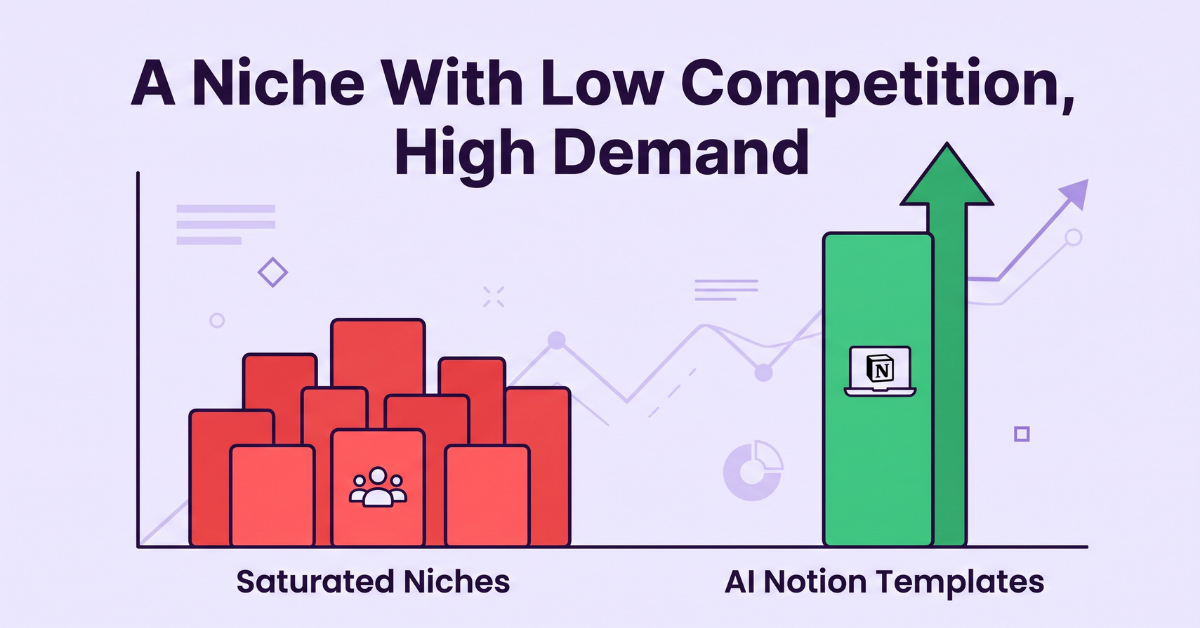
“Notion templates” as a broad category is crowded. Thousands of sellers, thousands of listings, and a race to the bottom on pricing. But when you narrow the search to how templates are actually produced — specifically templates built with the help of AI tools like ChatGPT, Claude, or Midjourney for structure, copy, and visuals — the field thins out dramatically.
A few reasons this pocket stays under-served:
- Most Notion creators still build templates manually, block by block, which limits how many products they can publish.
- Buyers searching for “AI-generated” templates are often early adopters — they convert faster because they’re already sold on the AI angle before they land on your page.
- Gumroad specifically (rather than the Notion marketplace or Etsy) attracts a more direct, less browsing-heavy buyer, meaning less competition for eyeballs and higher conversion once someone clicks through.
In practice, this means you’re not trying to out-design ten thousand competitors. You’re trying to be one of a much smaller group that combines speed (AI-assisted production) with a platform (Gumroad) that rewards direct, no-fuss selling.
The Tools You Actually Need (and the Ones You Don’t)
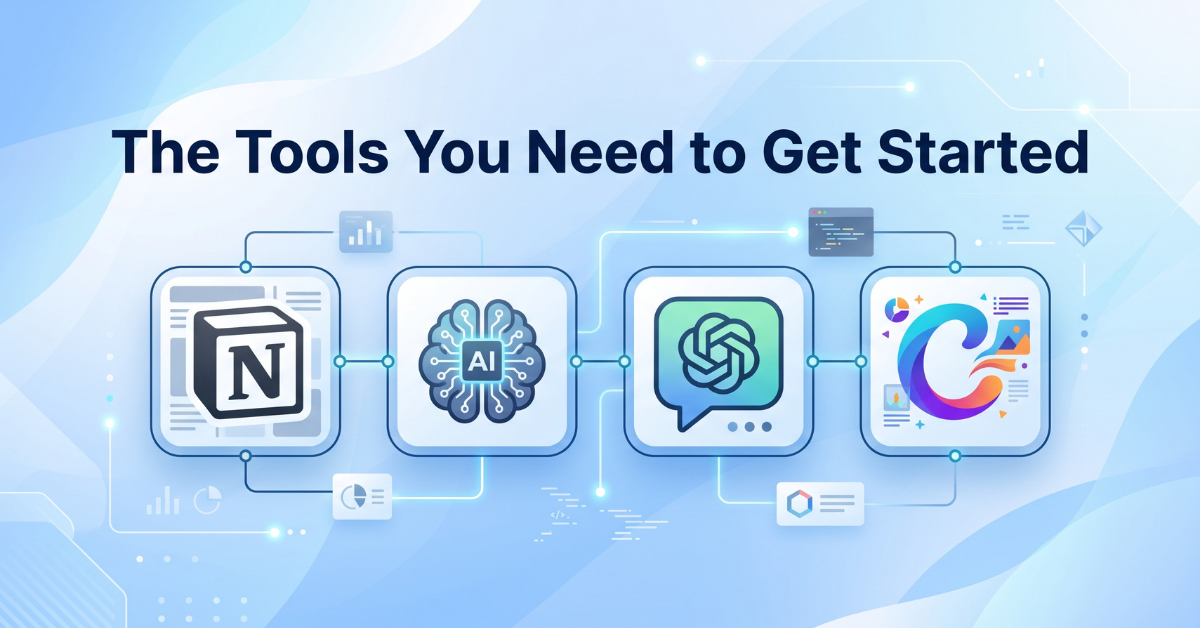
One of the most common questions on how to sell AI generated Notion templates on Gumroad is which tools actually matter. You don’t need an expensive tool stack to start. Here’s what actually matters:
- Notion (free plan is fine): This is where you’ll actually build and structure the template.
- An AI writing assistant: Used to draft page copy, database properties, formulas, and even naming conventions for your template’s sections.
- An AI image tool: For cover images, icons, and the product thumbnail you’ll use on Gumroad.
- Canva (free tier): To polish AI-generated visuals into a consistent, branded look across your listing.
- A Gumroad account: Free to create, takes a fee only on sales.
What you don’t need: a paid course, a fancy landing page builder, or a team. This is a genuinely solo-friendly business model, which is part of why it’s worth testing even as a side project.
Recommended Resource
Explore Tools & Resources →Step-by-Step: Building Your First AI-Generated Template
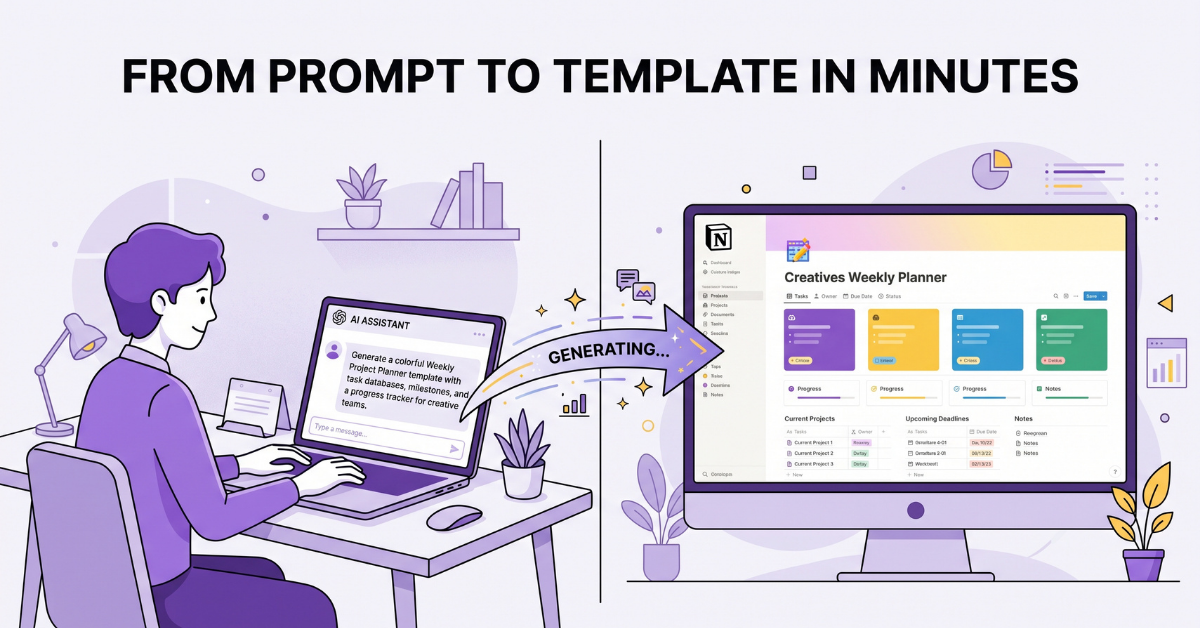
This is the core of how to sell AI generated Notion templates on Gumroad — here’s the workflow that consistently produces clean, sellable results:
- Pick a specific problem, not a broad theme. “Productivity planner” is too broad. “A Notion system for freelance video editors to track client revisions” is specific enough to stand out.
- Draft the structure with AI first. Ask your AI assistant to outline the databases, properties, and relations the template needs before you touch Notion. This saves hours of restructuring later.
- Build the skeleton in Notion. Create the pages, databases, and views based on your outline. Keep it simple in this pass — don’t decorate yet.
- Generate visuals. Use your AI image tool for cover banners and icons, then run them through Canva for consistent sizing and color matching.
- Write the onboarding page. Every good template needs a “How to Use This” page. Have your AI assistant draft this, then edit it in your own voice.
- Test with a fresh Notion account. Duplicate the template into a blank workspace to catch broken links, missing properties, or confusing navigation before you list it.
The AI isn’t replacing your judgment here — it’s replacing the blank-page problem. You’re still the one deciding what’s actually useful.
Setting Up Your Gumroad Store the Right Way
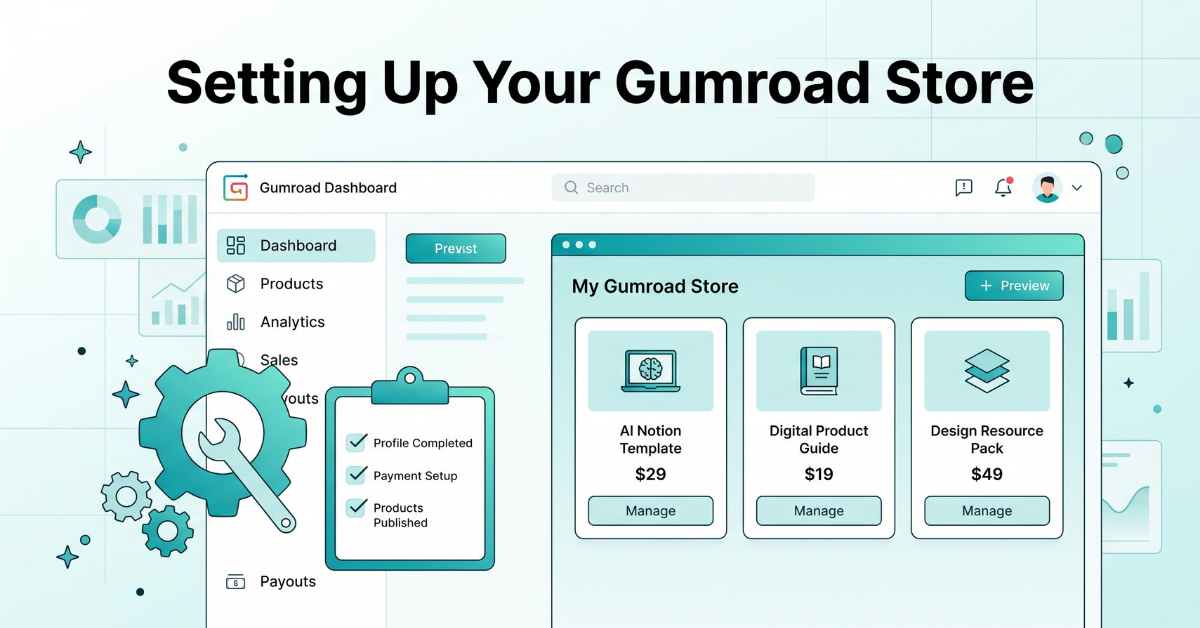
The store setup stage is where most guides on how to sell AI generated Notion templates on Gumroad get vague. Gumroad setup is quick, but a few details make the difference between a store that looks amateur and one that looks trustworthy. For the platform’s own onboarding steps, Gumroad’s official help center is worth a skim before you publish your first listing.
- Product title: Lead with the outcome, not the format. “Client Revision Tracker for Video Editors (Notion Template)” beats “Notion Template #4.”
- Cover image: Show an actual screenshot of the template in use, not just a stock graphic. Buyers want to see what they’re getting.
- Delivery method: Share the Notion template via a duplicate link, not a downloadable file — this is the standard and expected format for Notion products.
- License terms: State clearly whether resale or redistribution is allowed. Most creators restrict this to personal/business use only.
- Pricing tiers: Consider a “pay what you want” minimum alongside a fixed price — Gumroad supports this natively and it can lift conversions from price-sensitive buyers without hurting your baseline.
Recommended Resource
See Store Setup Tips →Pricing and Listing Strategy That Actually Converts
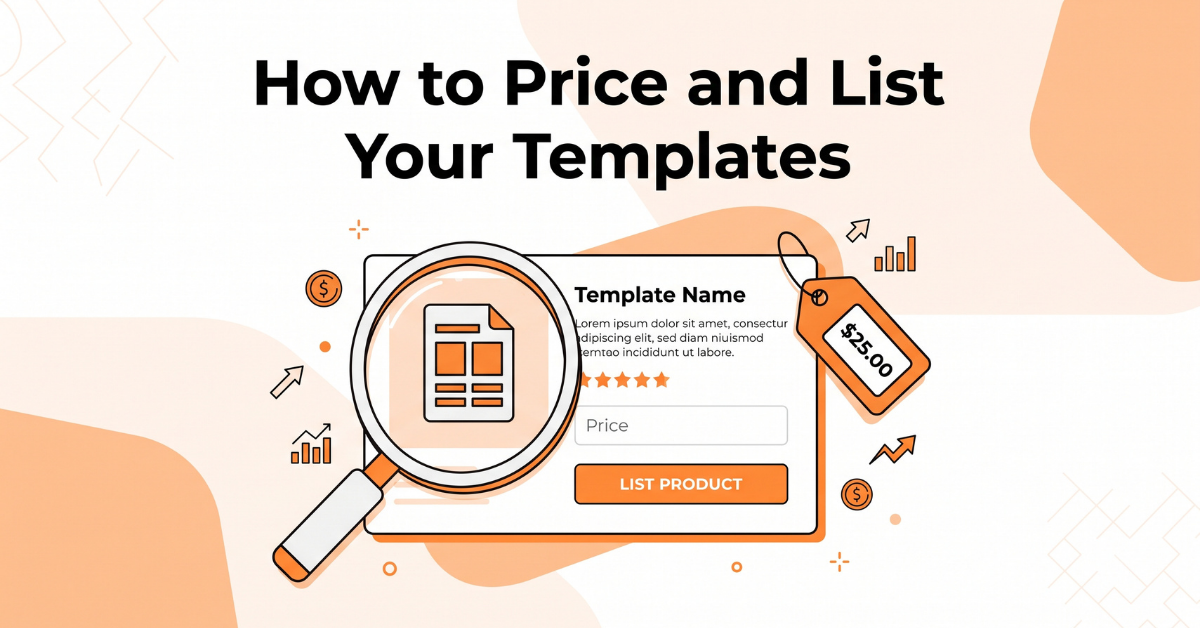
The pricing stage is where a lot of people trying to figure out how to sell AI generated Notion templates on Gumroad leave money on the table. Pricing digital templates is less about “what’s it worth” and more about “what decision am I asking the buyer to make.” A few practical guidelines:
- Single templates: Priced too low, they signal low quality. Priced too high without proof, they stall at zero sales. A mid-range price paired with a strong preview usually outperforms both extremes.
- Bundles: Once you have 3–5 templates in a related niche, bundle them at a discount. Bundles increase average order value without extra production work.
- Listing copy: Lead with the specific problem the template solves, follow with a short bullet list of what’s included (databases, views, automations), and close with who it’s for.
- Preview content: A short walkthrough screenshot sequence or GIF consistently outperforms a single static image.
Marketing: Getting Your First Customers
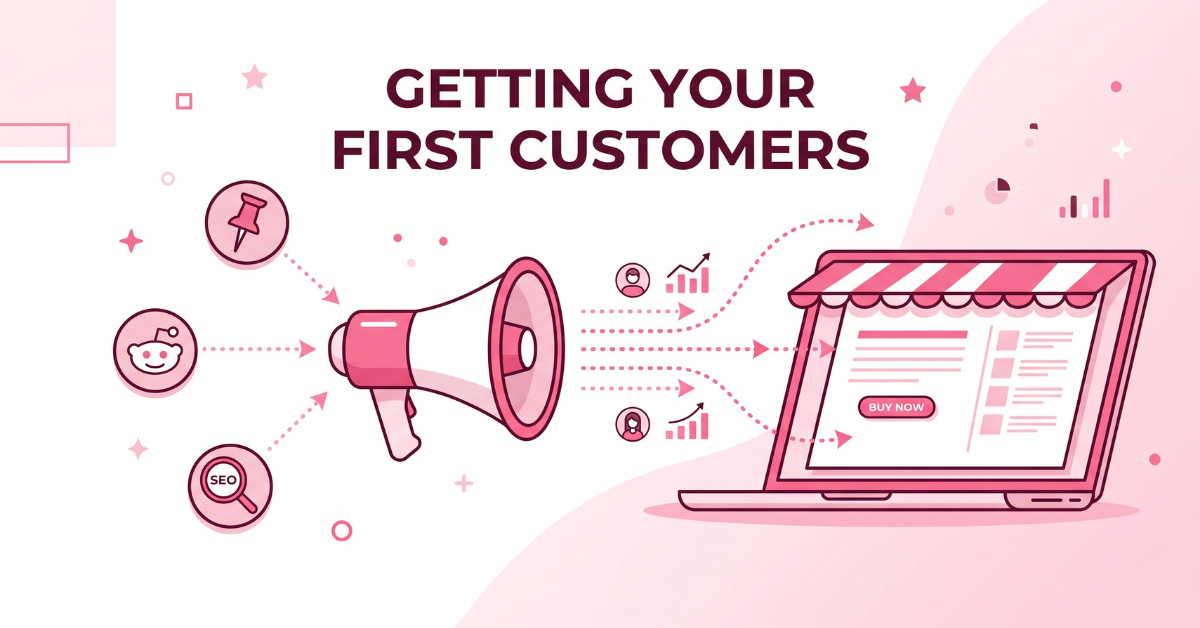
Building the template is half the work of how to sell AI generated Notion templates on Gumroad. Getting it in front of the right people is the other half. It also helps to stay familiar with Notion’s own documentation so your template structure stays compatible as the platform evolves. Channels worth prioritizing:
- Pinterest: Notion aesthetics perform well as pins. Link each pin directly to your Gumroad listing, not a generic homepage.
- Reddit communities focused on productivity, Notion, and specific professions: Share genuinely useful posts (not ads) and mention your template only when it’s directly relevant to the discussion.
- Long-tail SEO blog content: Exactly like this post — targeting specific, lower-competition search phrases rather than broad terms like “Notion templates.”
- Short-form video: A 30-second screen recording showing the template in action tends to outperform a polished, scripted ad.
Consistency matters more than volume here. One well-targeted post per week in the right community will outperform a dozen generic posts scattered across unrelated forums.
It also helps to think of each piece of marketing content as reusable rather than disposable. A single blog post like this one can be trimmed into three or four Pinterest pin captions, a Reddit comment you keep on hand for relevant threads, and a short video script. You’re not creating four separate marketing efforts — you’re creating one and adapting the format four times, which is a far more sustainable pace for a solo seller than producing fresh content for every channel from scratch.
How Long Does This Actually Take?
One question I get asked constantly about how to sell AI generated Notion templates on Gumroad: how much time does this really require before it starts paying off? Here’s a realistic breakdown based on the workflow above, assuming you’re working on this alongside a full-time job or other commitments:
- First template (start to listed): Roughly 4–8 hours spread across a few evenings — outlining with AI, building the Notion skeleton, generating visuals, and writing the listing copy.
- Second and third templates: Noticeably faster, often 2–4 hours each, since you’re reusing your visual style, your onboarding page format, and your listing template.
- First sale: Timing varies widely depending on how quickly you start distributing the listing through Pinterest, Reddit, or blog content. Sellers who publish supporting content alongside the listing tend to see their first sale within the first one to two weeks; sellers who list and wait often go much longer.
- Consistent monthly sales: This is where the catalog effect kicks in. A single template rarely produces steady income on its own. A bundle of 4–6 related templates, backed by a couple of pieces of ongoing content each month, is closer to what actually produces a repeatable result.
The honest takeaway: treat your first template as a learning exercise, not a make-or-break launch. The real value shows up once you have a small catalog and a couple of distribution channels running in the background.
How to Sell AI Generated Notion Templates on Gumroad: Common Mistakes to Avoid
- Over-decorating, under-functioning: A beautiful template that doesn’t actually solve a workflow problem gets refund requests. Function first, aesthetics second.
- Vague titles: Generic names get buried in search. Specific, outcome-driven titles get found.
- No onboarding page: Buyers who don’t understand how to use a template within two minutes often abandon it — and leave no review.
- Ignoring updates: Templates that stay static while buyer needs evolve start collecting negative feedback. Small, periodic updates keep listings fresh in search and in buyer trust.
- Copying competitor structures too closely: It’s fine to study what’s already selling, but rebuilding someone else’s database structure with different colors isn’t a differentiated product. Buyers can tell, and it shows up in reviews. Use competitor research to understand what problem is already being solved, then solve a more specific version of it.
- Skipping the refund policy: Digital products without a clear stated policy tend to generate more support disputes, not fewer. A short, plainly worded refund policy on the listing page actually reduces friction and builds buyer confidence before purchase.
Final Thoughts
Selling AI-generated Notion templates on Gumroad isn’t a get-rich-quick scheme, and anyone who frames it that way is oversimplifying. What it is: a genuinely low-barrier, low-competition way to test a digital product business using tools you probably already have access to. If you take one thing away from this guide on how to sell AI generated Notion templates on Gumroad, let it be this — start narrow, build one solid template, test the listing, and let the data, not guesswork, tell you what to build next.
Recommended Resource
Get Started Today →💡 Frequently Asked Questions (FAQ)
Q1. Do I need to disclose that a template was made with AI assistance?
There’s no universal legal requirement to disclose AI assistance for a digital template, but transparency builds trust. Many successful sellers mention “AI-assisted design” in their listing as a selling point rather than hiding it, since it signals speed and modern workflow to buyers who specifically search for this.
Q2. Is Gumroad better than the official Notion template marketplace for this?
They serve different purposes, and this is one of the most important decisions in how to sell AI generated Notion templates on Gumroad. The Notion marketplace has more built-in browsing traffic but higher competition and stricter review standards. Gumroad gives you full control over pricing, bundling, and marketing, which suits creators who plan to drive their own traffic through SEO, Pinterest, or social content — exactly the strategy outlined in this guide.
Q3. How many templates should I build before expecting consistent sales?
Most sellers see inconsistent, one-off sales with a single listing. A small catalog of 4–6 related templates, ideally bundled, tends to produce more predictable results because it gives search and social traffic more entry points into your store, and gives existing buyers a reason to purchase again.
🌿 Weekly wellness, health & beauty insights — straight to your inbox
Free subscription · Cancel anytime